
We’ve all been there. You open YouTube to put on a “Lo-Fi Beats” or “Deep Focus” playlist to get some work done. But before you can even hit play, you’re greeted by a loud thumbnail for a trending 20-minute video essay, three political news alerts, and a sidebar full of “recommended” rabbit holes.
Suddenly, thirty minutes have passed, you’re watching a tutorial on how to build a log cabin in the woods, and zero work has been done.
YouTube is the world’s best music library, but it is also the world’s most effective distraction machine. That is exactly why Music Mode for YouTube was built.
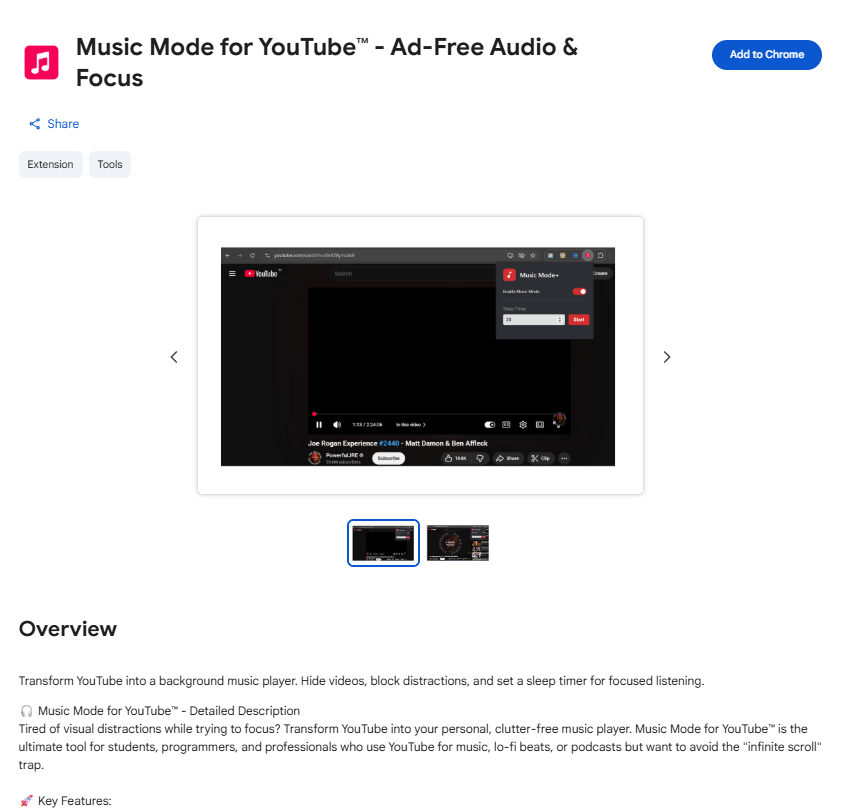
Music Mode for YouTube™ – Ad-Free Audio & Focus – Chrome Web Store
The Problem: YouTube isn’t built for Music
YouTube is designed to keep you watching. The algorithm wants you to click the next video, look at the comments, and stay engaged with the visual feed. This is great for entertainment, but terrible for productivity.
If you use YouTube for:
- Focusing at work
- Background music while studying
- A clean interface for a party or event
- Reducing data/CPU usage by focusing on audio
…then the standard interface is working against you.
The Solution: Music Mode for YouTube
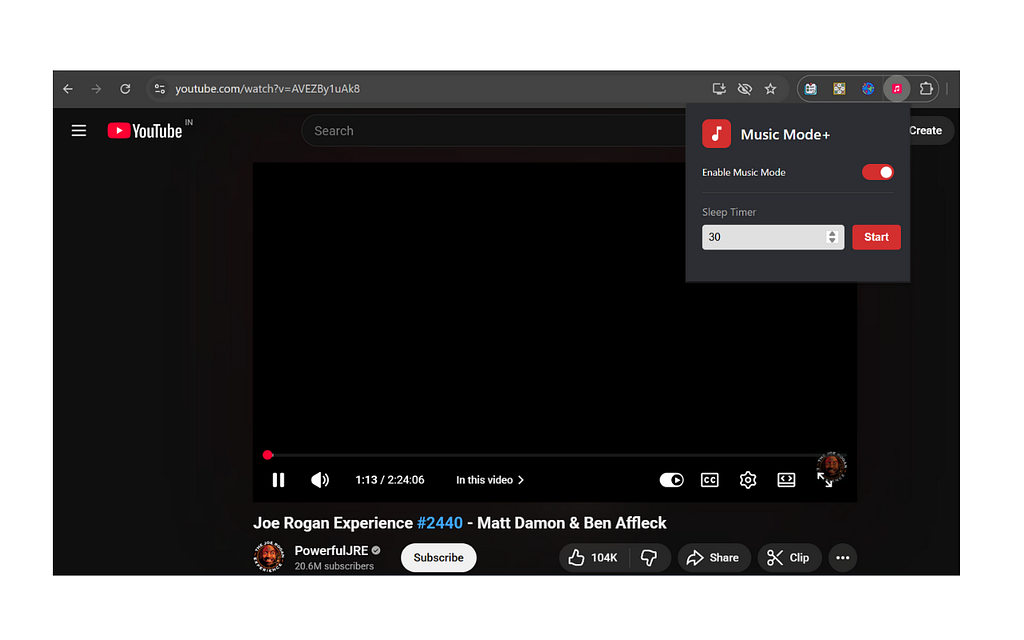
Music Mode for YouTube is a lightweight Chrome extension that transforms the platform into a streamlined, music-first experience. It strips away the clutter so you can focus on the sound, not the noise.
Key Features to Boost Your Productivity:
- Distraction-Free Interface: Hide the comments, the sidebar, and the “Up Next” recommendations that steal your focus.
- Minimalist Aesthetic: Turn the chaotic YouTube layout into a clean, modern player that looks like a dedicated music app.
- One-Click Toggle: You don’t have to change how you use the web. Switch Music Mode on when it’s time to grind, and off when you’re ready to browse.
- Privacy & Speed: By blocking unnecessary elements from loading, you enjoy a snappier experience.
Why This Matters for Your Deep Work Flow
“Deep Work” requires a state of flow. Every time your eyes wander to a colorful thumbnail in the sidebar, your brain performs a “context switch.” It takes an average of 23 minutes to get back into deep focus after a distraction.
By using a tool that hides the visual “hooks” of YouTube, you are effectively protecting your time and your mental energy.
How to Get Started (It’s Free)
Setting up your minimalist music environment takes less than 30 seconds:
- Install: Add Music Mode for YouTube from the Chrome Web Store.
- Pin it: Pin the extension to your toolbar for quick access.
- Play: Head to YouTube, search for your favorite artist, and toggle the mode.
Conclusion
You don’t need a paid music subscription to have a premium, focused listening experience. You just need a better way to view the library you already use. Stop letting the algorithm dictate your afternoon — take control of your workspace.
Ready to boost your focus? Download Music Mode for YouTube on the Chrome Web Store today →
Music Mode for YouTube™ – Ad-Free Audio & Focus – Chrome Web Store

How to Turn YouTube into a Minimalist Music Player (Without the Distractions) was originally published in Javarevisited on Medium, where people are continuing the conversation by highlighting and responding to this story.
This post first appeared on Read More