
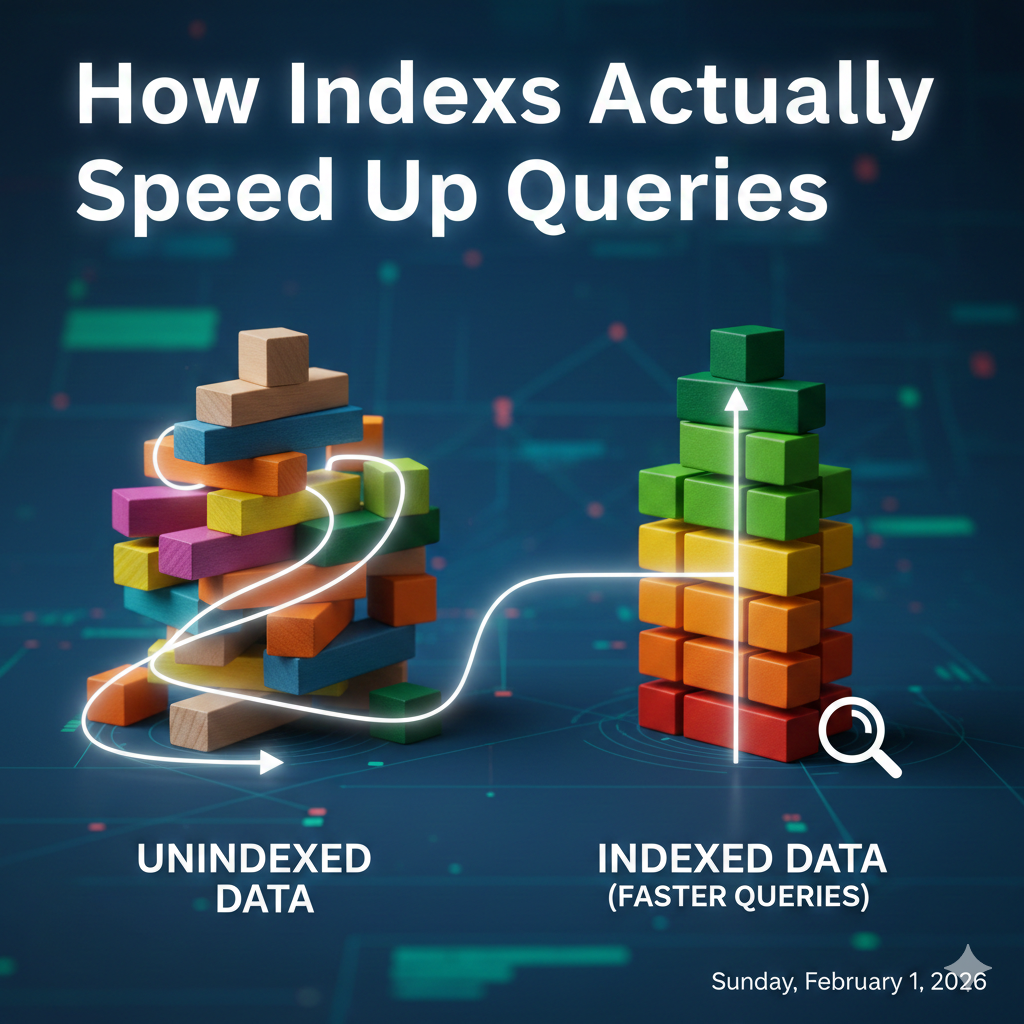
What your database is really doing while you wait
The query looks innocent.
SELECT *
FROM users
WHERE email = '[email protected]';
You hit Enter.
The database pauses.
Your app feels… sluggish.
You add an index, rerun the query, and suddenly it’s instant.
Most engineers stop there.
But why did that happen?
What changed inside the database engine?
Let’s pop the hood.
The Naive Mental Model (and Why It’s Wrong)
A common explanation goes like this:
“An index helps the database jump directly to the row.”
That sounds reasonable — but it’s not what actually happens.
Databases don’t “jump” inside tables. Rows are scattered across disk pages. Without extra structures, the engine has no idea where a specific value lives.
So let’s start with what really happens.
Life Without an Index: The Full Table Scan
With no index on email, the database has exactly one option: read everything.
SELECT *
FROM users
WHERE email = '[email protected]';
Execution plan (PostgreSQL)
Seq Scan on users
  Filter: (email = '[email protected]')
What this actually means
- Read page 1 → check every row
- Read page 2 → check every row
- Repeat until the table ends
This is a sequential scan.
Why it’s slow
- Disk I/O dominates
- CPU evaluates the condition for every row
- Work grows linearly with table size
Time complexity:
O(n)
For large tables, this is unavoidable — and painful.
What an Index Really Is
An index is not a shortcut inside your table.
It is a separate physical data structure, stored independently on disk.
In most relational databases, that structure is a B-Tree.
Conceptually, each index entry looks like:
email_value → (page_id, row_offset)
Key points:
- The index is sorted
- The table remains unchanged
- The index provides an alternative access path
Think of it as a highly optimized lookup table pointing to your data, not containing it.
The Same Query With an Index
Now let’s add an index:
CREATE INDEX idx_users_email ON users(email);
Execution plan
Index Scan using idx_users_email on users
  Index Cond: (email = '[email protected]')
This single line tells an entirely different story.
What the Database Actually Does With an Index
Step 1: Traverse the B-Tree
- Start at the root node
- Move through internal nodes
- Reach the leaf node containing ‘[email protected]’
Each step is one page read.
Step 2: Fetch the row
- Index returns a row pointer (CTID / RowID)
- Database reads the table page
- Row is returned
Why this is fast
- B-Trees are shallow (usually 3–4 levels)
- Each node stores many keys per page
- Disk seeks are minimized
Time complexity:
O(log n)
Even with millions of rows, this often means single-digit page reads.
Comparing the Plans Side by Side
Without index
Seq Scan on users
  Filter: (email = '[email protected]')
- Reads the entire table
- CPU-heavy
- Disk-bound
With index
Index Scan using idx_users_email on users
  Index Cond: (email = '[email protected]')
- Reads a handful of index pages
- One table lookup
- Predictable performance
This is the real speedup, not magic, just less work.
Index-Only Scans: When the Table Isn’t Touched
Sometimes the database doesn’t even need the table.
Query
SELECT email
FROM users
WHERE email = '[email protected]';
Execution plan
Index Only Scan using idx_users_email on users
  Index Cond: (email = '[email protected]')
Because the index already contains email, the engine can answer the query without touching the table at all.
This is about as fast as it gets.
Why Indexes Make ORDER BY and JOIN Faster
ORDER BY
Indexes are already sorted.
SELECT *
FROM users
ORDER BY email;
If email is indexed:
- No sorting step
- Rows are returned in order
The execution plan simply walks the index.
JOIN
Indexes shine in joins.
SELECT *
FROM orders o
JOIN users u ON o.user_id = u.id;
With an index on users(id):
- The database finds matching rows quickly
- Avoids nested full scans
- Enables efficient join strategies
Indexes don’t just speed up queries — they change the shape of execution plans.
The Hidden Cost: Why Writes Get Slower
Every index comes with a price.
On INSERT, UPDATE, or DELETE, the database must:
- Modify the table
- Update each index
- Potentially rebalance B-Trees
Result
- Reads → faster
- Writes → slower
- Too many indexes → write amplification
This is why high-write systems are selective about indexing.
When Indexes Don’t Help (and Are Ignored)
Databases are smart enough not to use indexes when they’re pointless.
Common cases:
- Low selectivity
(e.g., a status column where 90% of rows match) - Functions on indexed columns
WHERE LOWER(email) = '[email protected]'
- Wrong column order in composite indexes
- Planner estimates a sequential scan is cheaper
An index is only useful if it meaningfully reduces work.
The Mental Model to Keep
Indexes don’t make queries fast by coincidence.
They:
- Replace linear scans with logarithmic lookups
- Minimize disk I/O
- Enable better execution strategies
Next time you add an index, ask yourself:
Which work am I removing — and what new work am I adding?
That’s the difference between using indexes and understanding them.
If you want to go deeper into this , especially for interviews, Grokking the SQL Interview by javinpaul is one of the best resources I’ve found. It trains you to reason about queries, indexes, and performance the way real database engines do, not just pass syntax checks.
link: https://gumroad.com/a/1036063859/fhmehw

How Indexes Actually Speed Up Queries was originally published in Javarevisited on Medium, where people are continuing the conversation by highlighting and responding to this story.
This post first appeared on Read More