
Other than its well-known lineup of office suites, ONLYOFFICE has been consistently building up its collaborative platform, DocSpace, since 2023. It sits in the same space as Google Workspace and Microsoft 365, targeting teams that want a self-hostable, format-compatible alternative.
Things got a bit complicated recently when Nextcloud and IONOS forked ONLYOFFICE into Euro-Office, a “Made in Europe” alternative aimed at organizations with data sovereignty requirements. ONLYOFFICE pushed back, accusing the fork of violating the additional conditions attached to its AGPLv3 license.
When ONLYOFFICE Docs 9.4 arrived shortly after, it came with a licensing update that tightened the language around attribution, copyright notices, and trademark rights, which felt very much like a direct response to that dispute.
Now, DocSpace 3.7 is here with its own licensing update along the same lines, and it brings expanded AI provider support, a reworked form filling experience, and several room management improvements on top of that.
🆕 ONLYOFFICE DocSpace 3.7: What’s New?
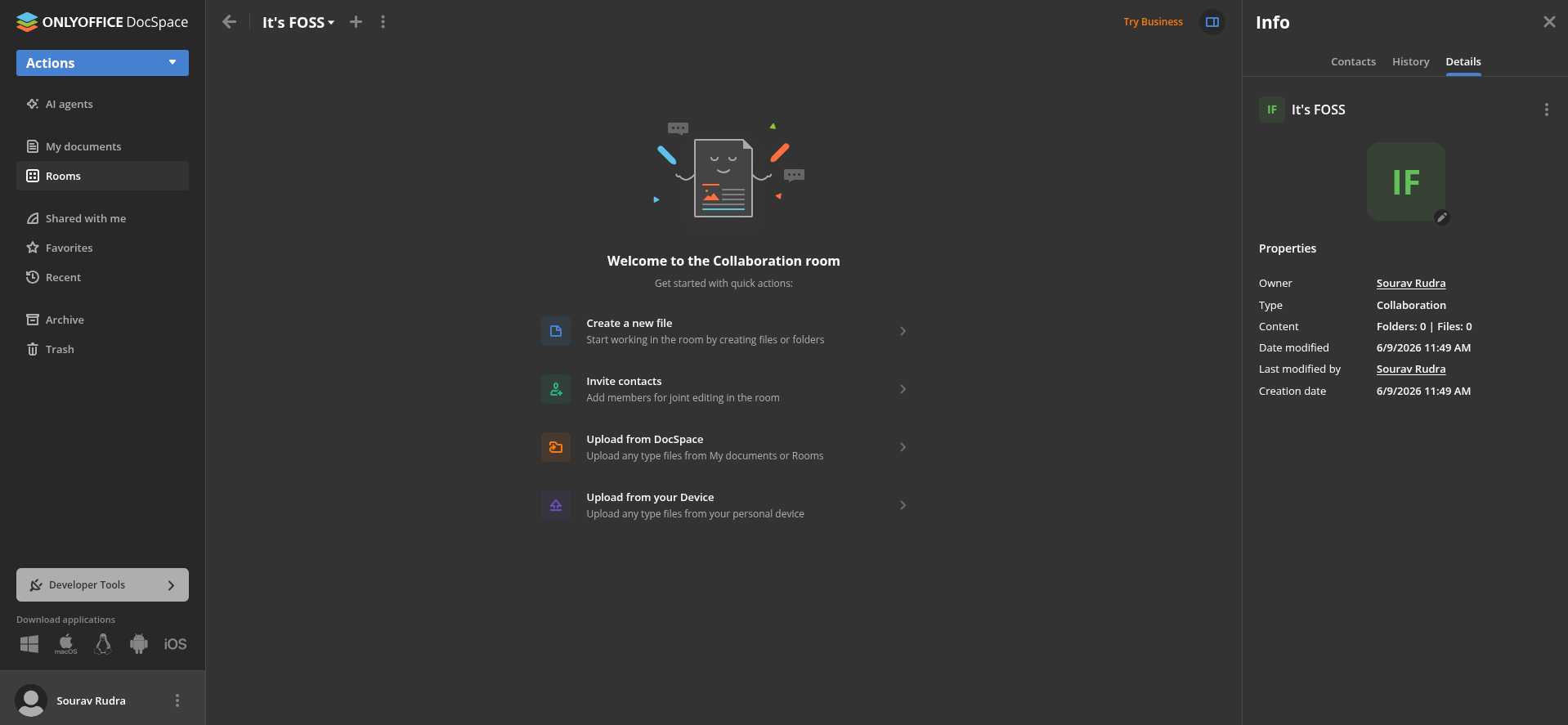
The editors on this release are the same ones from the Docs 9.4 release, getting you niceties like horizontal lines in documents, a Dark Document mode for spreadsheets, 25 new slide themes, 20 new slide transitions, and a dedicated Chart Design tab.
Then there’s the form filling rooms, which have received comprehensive upgrades that let you create and edit PDF forms directly inside a room rather than having to upload a finished form from external sources.
A new Start filling mode, accessible from the editor toolbar or the file context menu, puts the form into filling mode for everyone in the room, making it easier to collect responses from multiple people at once.
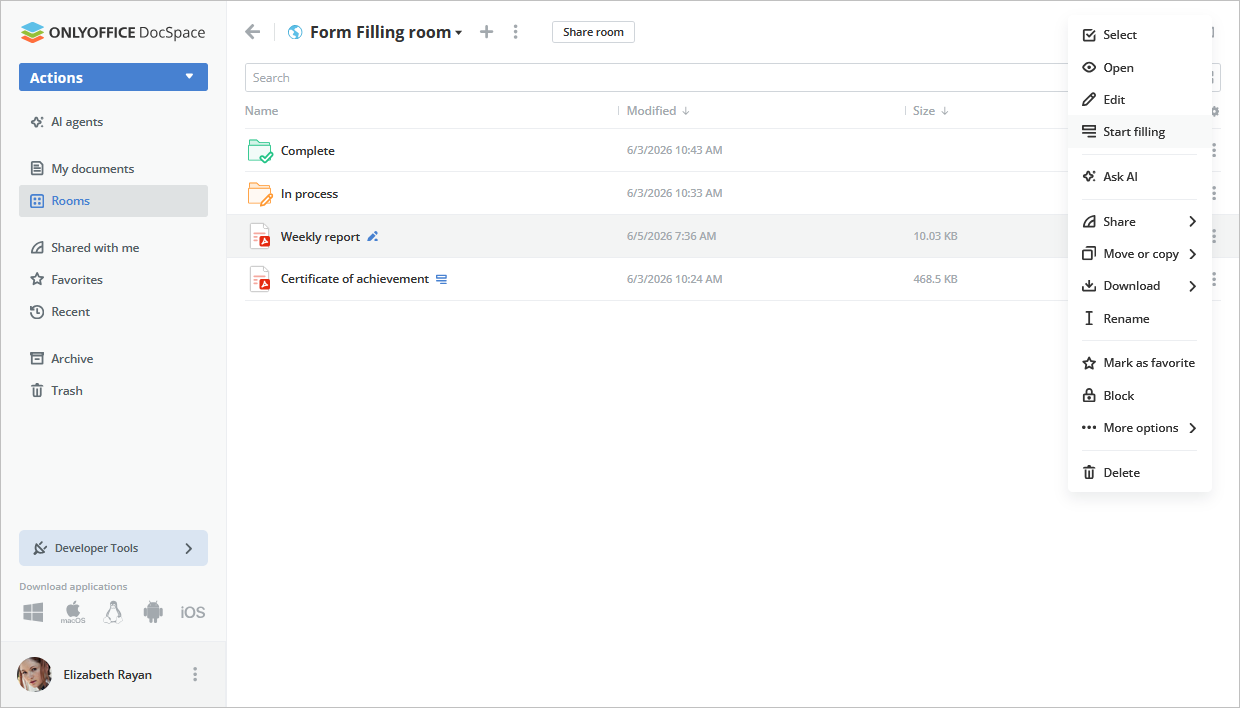
Related to that change, the form filler role now keeps the form hidden from the room list until filling mode is active, at which point responses get gathered into a spreadsheet automatically.
Additionally, you can refresh that file on demand with the new “Sync responses to XLSX” option, and there is now also support for routing responses to a third-party external database if you have one connected.
DocSpace 3.7 similarly goes big on upgrading its existing AI functionality. You can now generate DOCX files, PDF forms, and PPTX presentations directly from the AI agent chat and open them immediately for editing.
Accompanying them are three new AI providers, DeepSeek, xAI, and Google AI. This brings the total to seven, joining the existing roster of Anthropic, OpenAI, OpenRouter, and Together AI options, along with any custom providers you configure.
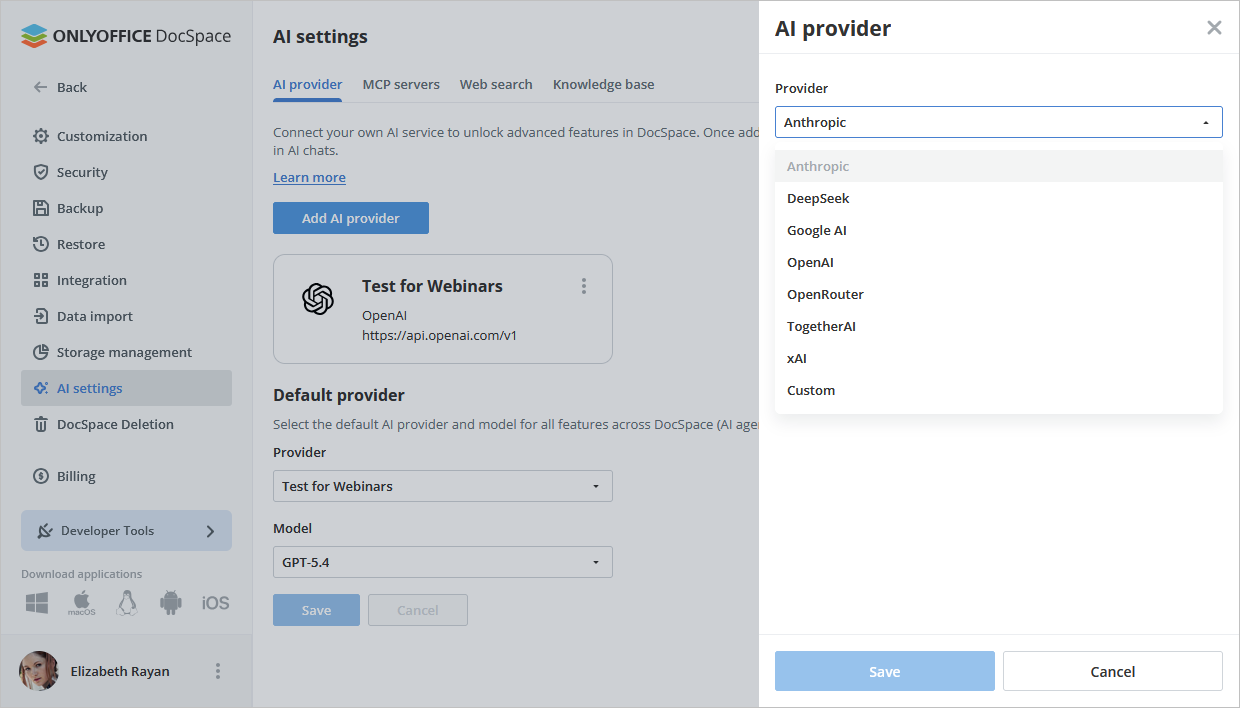
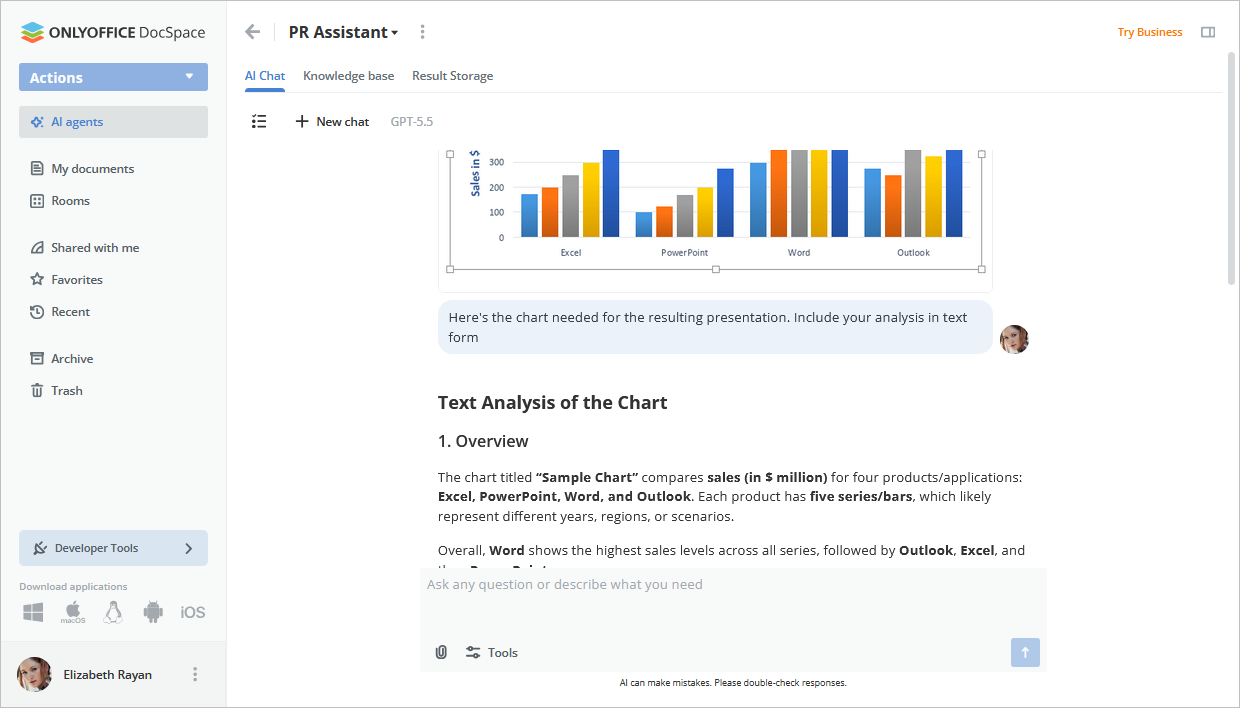
All the AI providers (left) and the image upload feature (right) on DocSpace.
Beyond that, you can set a default provider and model that gets auto-selected whenever you spin up a new agent, and the provider configured in DocSpace also syncs automatically to the editors.
You can also upload images into the AI chat for adding more context to your queries, and an extended thinking display shows up for more complex queries. Those who would rather keep AI out of their workspace entirely can now toggle it off across DocSpace and the editors without losing chat history.
The toggle resides at:
Settings > Customization > General > AI Services Management
The rest of the update covers a good spread of smaller but useful changes, including the ability to group rooms with tags, bulk-delete multiple rooms at once, and replace default document templates via settings.
Admins also get a couple of new access controls, with options to prohibit external link creation and set limits on how many users can join via an invite link and for how long.
📥 Get it Now
This release is available via a dedicated portal for users who are okay with ONLYOFFICE taking care of the infrastructure. Those who prefer a more hands-on approach can wait a bit and self-host the community edition of DocSpace 3.7 when it is made available.
The source code for all of that can be found on GitHub.
Suggested Read 📖: Tuta Joins The Euro-Office Umbrella

This article first appeared on Read More