

The hidden cost of AI prototypes that are made to die
How product teams should evaluate AI-generated UI
AI app-building tools have made it inconsequential and mundane to turn an idea into a working prototype. You only need a couple prompts, a design file, or even a sketch to quickly generate something that looks (even behaves) like a real product. For product teams, this speed has changed expectations in the design and development process.
Prototypes are no longer as special as they once were. They’re now the bare minimum.
But this speed comes with limitations. Many AI-generated prototypes are never meant to survive past the moment they’re validated. They do their job in a meeting or a user test, but then they’re rebuilt by engineering or even trashed. But the prototypes didn’t “fail,” they were just created with a different intention and outcome.
The hidden cost of AI prototypes is that they can’t move forward. And when the underlying output is treated as “disposable” automatically, product teams pay for it later in the product lifecycle through translation work, rewrites, and reduced speed.
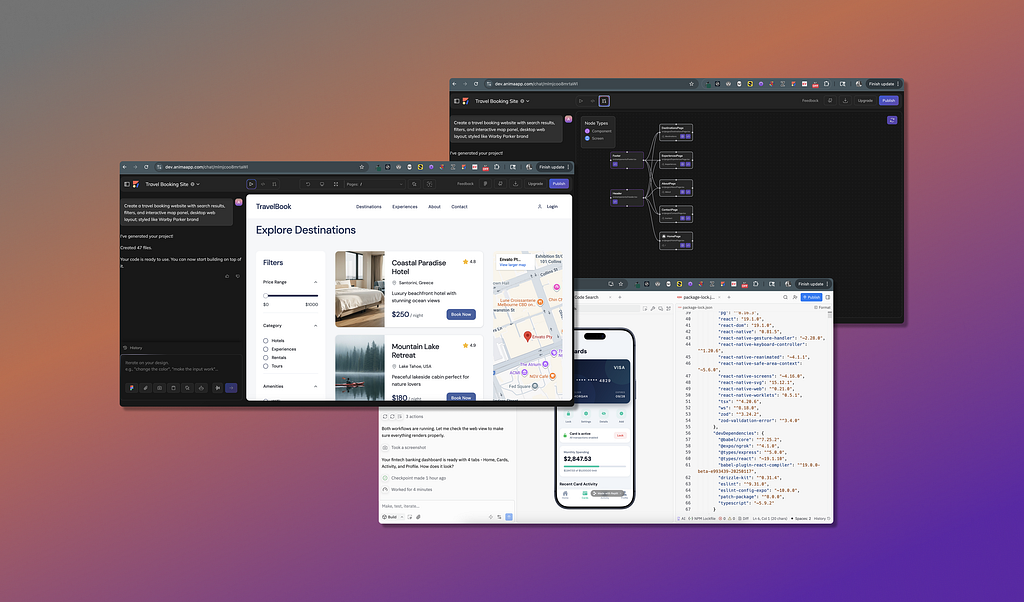
It’s no question that AI has become part of everyday product development. But it’s no longer just how fast we can generate UI, it’s more about what kind of output we are creating. We need to think past prototypes that can be used for a 30 minute stakeholder review, such as thinking about what happens after the ideation stage ends.
Some tools are optimized for ideation and to quickly answer questions. But others are beginning to treat AI output as the first draft of real product work. Let’s get into understanding how AI prototypes can survive the product lifecycle, tools that are better for different prototype use cases, and criteria to help product teams choose the right prototype for their needs.
What it means for an AI prototype to “survive”
Most product teams don’t struggle to generate UI anymore. But they do have a challenge in deciding whether what they’ve generated is something they can both keep and use.
It’s more than visual polish
AI-generated prototypes can look visually polished and even behave as intended, but it still may not survive past the ideation phase. We need to think about what the prototype allows a product team to do after ideation.
Some questions to ask when deciding if your prototype will survive past ideation:
- Can the prototype be extended without starting over?
- Can it be handed off without being reinterpreted?
- Can it live outside the AI tool that created it?
If you begin to think about the extensibility of your prototype too late (like after it’s been validated), you might quickly reach a dead end. Though the UI looks high-quality and finished, it deceives what’s lying under the hood in the actual output.
Not only that, many AI-generated prototypes are abstract. They render well in the tool that created them, but the underlying structure is hazy or even constricted to the AI tool. These prototypes do help answer early questions, like “Does this flow make sense?,” but they’re difficult to carry forward without translation or rework.
Proper structure outlasts visuals
Durable prototypes are built from real frontend formatting, like structured markup, predictable layout, and clear component usage. This structure makes the prototype legible to engineers, collaborators, and the AI tools themselves.
When the prototype’s output is inspectable and portable to other tools, it can be understood and evolved.
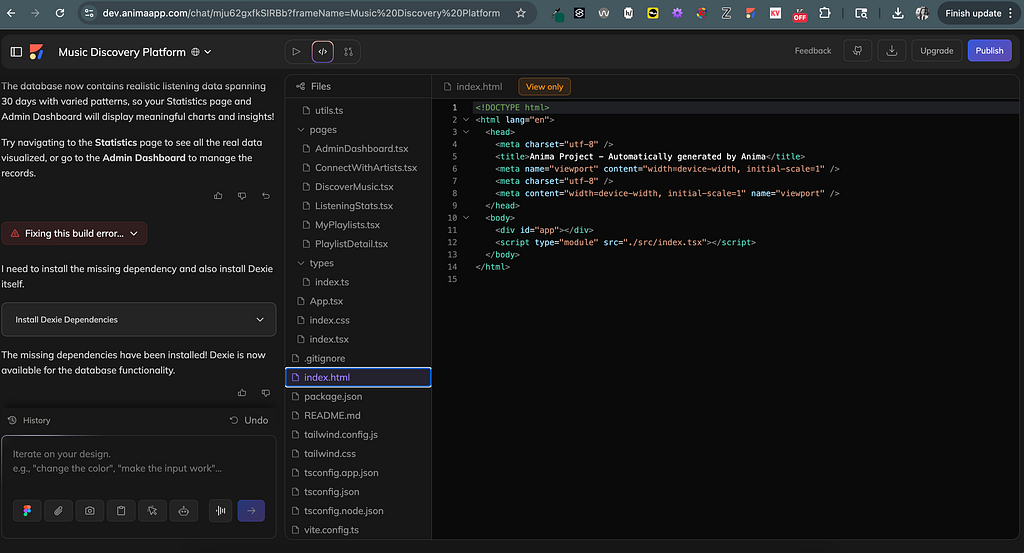
AI tools can only amplify the inputs and outputs you continue to build from. Abstract AI output compounds into rework with teams regenerating or rebuilding what already exists. But clean, structured output encourages faster iteration and usable output because each change builds on the last.
An AI prototype’s “lifespan” reflects what the tool was optimized to create. Understanding the distinction between a disposable or durable helps teams choose tools that match what they intend to build.
How AI app-building tools optimize for different lifespans
Once you start looking at AI-generated prototypes in terms of their lifespan, you’ll notice patterns across popular AI tools available to product teams. You’re probably assuming that AI app-building tools are all trying to do the same thing, like producing high-quality designs and code.
But these AI tools are actually optimized for different stages in the product lifecycle. Most fall under three main buckets: full-stack generators, visual builders, or design-native generators. Let’s look at familiar tools found in each bucket.
Full-stack AI generators
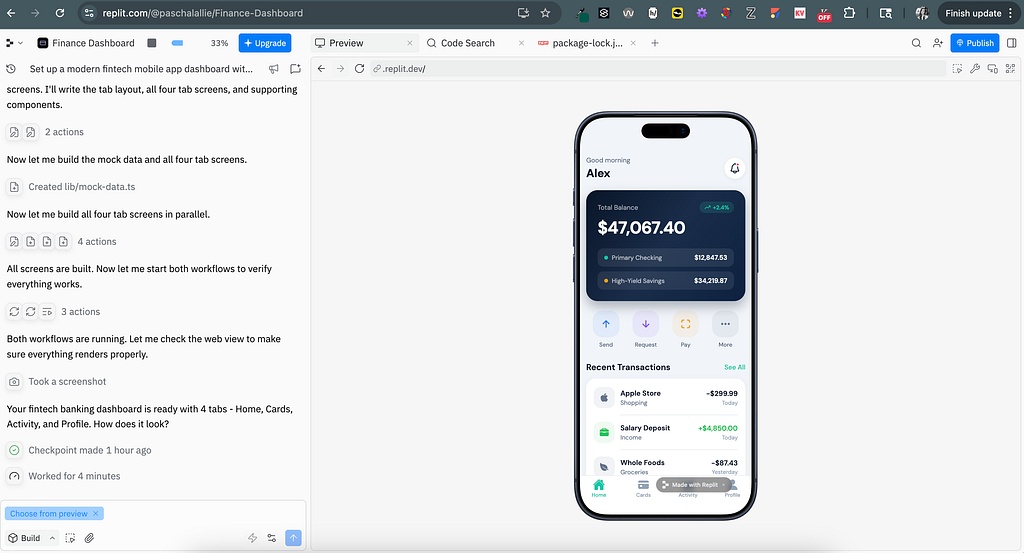
Full-stack generators like Bolt, Lovable, and Replit are designed to produce end-to-end applications quickly. They can handle the generated app’s infrastructure, hosting, and behavior for multiple user flows. These tools are powerful when experimenting or needing quick product deployments.
Benefits:
- Extremely fast method to go from idea to working application
- Low setup needed for end-to-end generation
- Allows quick validation for solo or small teams
Limitations:
- Code output is typically bound to the tool that generated it
- Code structure prioritizes quick execution over long-term durability
- Harder integrate the frontend work into existing codebases
- Less flexibility when engineers need more control
Visual building tools
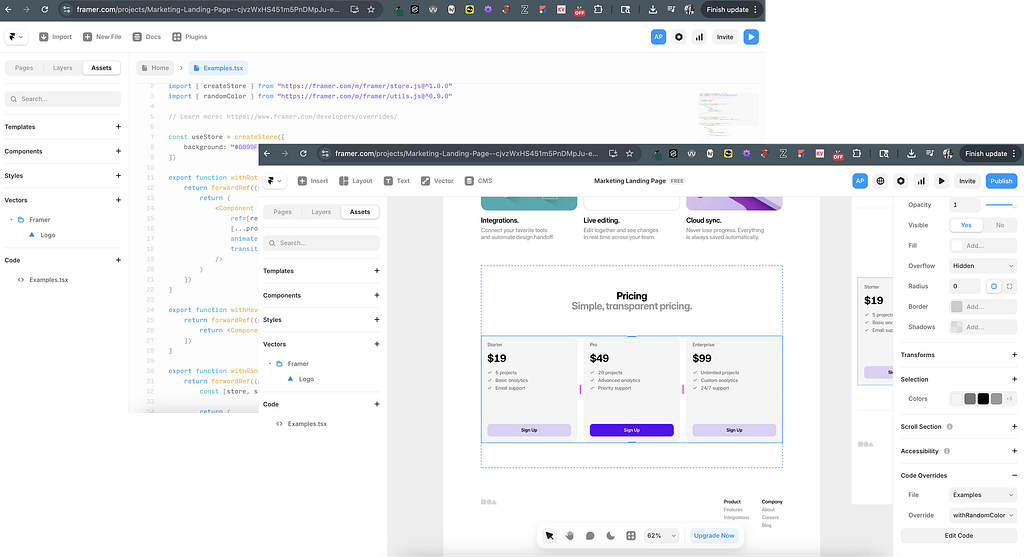
Visual builders such as Webflow and Framer are ideal for creating polished experiences that live within the platform itself. They’re well-suited for marketing sites or even personal websites where the tool itself is part of the delivery method. Since the AI tool is also the production environment, handoff of frontend code to engineering is secondary or unnecessary.

Benefits:
- High-fidelity, production-quality visual output
- Supports publishing, hosting, and content management workflows
- Designers can own and ship real experiences
- Reliable for marketing and personal websites
Limitations:
- Exported code is not intended for strategic evolution
- Included logic in the frontend is dependent on the platform
- Restricts deep engineering customization and may need rework
Design-native generators
Design-native generation tools, like Figma Make, are ideal for high-speed exploration. They help teams iterate on structure, layout, and user flow directly inside the design tool. The output is effective as a reference when reviewing and testing, but it’s not intended to be integrated in a production codebase.

Benefits:
- Fast iteration inside existing design-product workflows
- Smooth exploration for UI layouts and user flows
- Effective for early validation and team collaboration
Limitations:
- Output is a reference versus a code foundation
- Engineers may need to rebuild rather than extend the frontend code
- Optimized for exploration, but not product maturation
None of these tool approaches are inherently better or worse, but teams need to understand what each tool is optimized to do. Whether it be to answer questions early in the ideation phase or to publish product experience. They just reflect different assumptions about what happens after a prototype proves its point.
Designing AI-generated prototypes to continue past ideation
Most AI-generated prototypes were created to answer questions or validate a direction while in the ideation phase. They weren’t produced to become part of the actual product.
But instead of asking, “How fast can we generate this?,” teams need to start asking, “What happens if this works?” That shift changes what kind of output matters and the right tool to use.
To help with this shift, teams need to generate prototypes that are made from the same fundamentals as production. This includes real HTML elements, predictable layout, and clear UI components to make the output understandable to engineers and other tools.
AI accelerates continuity or disposability
This is where the output’s effects on AI are unavoidable. Because each AI-generation builds on what already exists, unstructured output compounds issues–causing regenerating or rebuilding the same ideas again and again.
So prototypes designed to continue get better as the AI-generations evolve, while prototypes designed to be temporary get replaced.
Tools that create durable AI prototypes
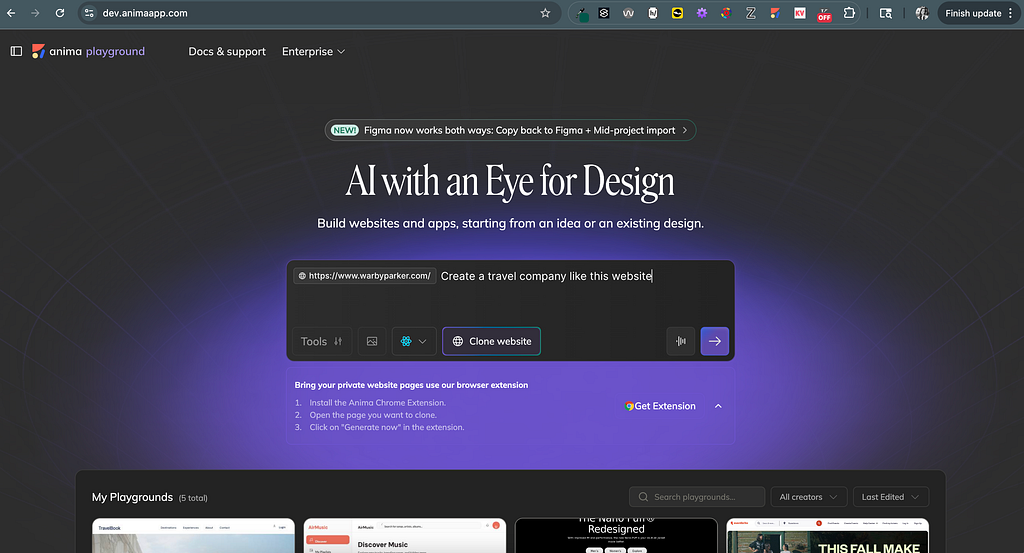
Real products progress from existing interfaces/ patterns or partial designs; not from blank prompts. Tools that support starting from design files, live URLs, or existing UI allow teams to preserve context instead of recreating it within a prompt.
AI tools like Anima approach producing prototypes this way. The tool focuses on creating structured, real frontend code that can be handed off to development versus showing a high-quality render of UI designs.
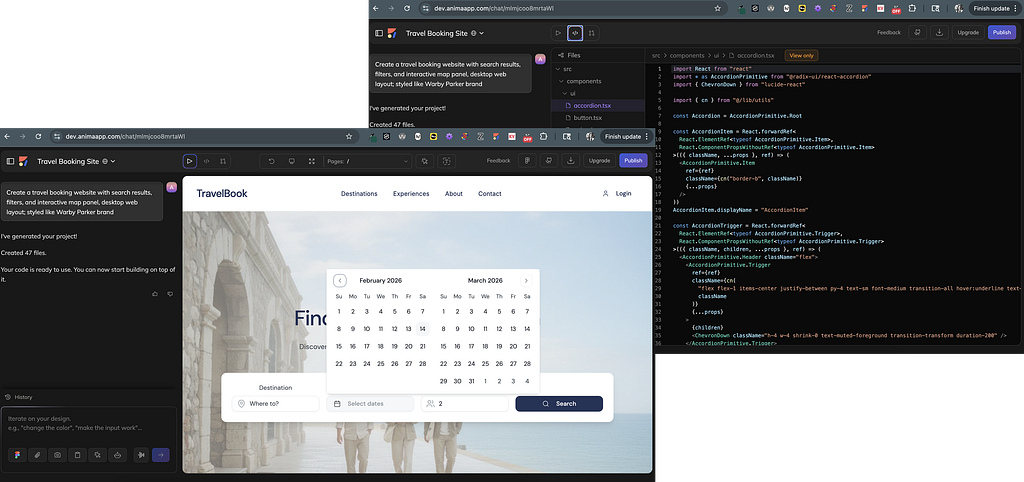
Anima’s prototypes include added value not only from their usability from the get-go, but by reducing translation work once engineers begin to review the code output.
Designing AI prototypes doesn’t mean every prototype has to be production-ready. It just means product teams can choose whether the work they’re creating is meant to be disposable or durable.
How teams should decide what kind of prototype they’re building
Before evaluating any AI app-building tool, product teams need to clarify a few questions to select relevant criteria to rate each tool against. This will allow teams to use tools more intentionally and avoid the disposal of work later in the design lifecycle.
Questions teams should ask themselves:
- What is this prototype meant to do? (i.e., validate an idea vs. create production work)
- What happens after idea validation? (i.e., restart/ re-build vs. handoff to engineers)
- Should code output be modified outside the AI tool? (or is it okay for output to be bound to the tool?)
- Should the code and AI tool support long-term iteration? (or is the output only for one-off ideas?)
If your team’s goals are to validate ideas quickly, disposable prototypes are a wanted tool outcome versus a flaw. But if the goal is to create prototypes that will evolve into production, you’ll need AI tools that support that.
Optimize for the prototype lifespan you need
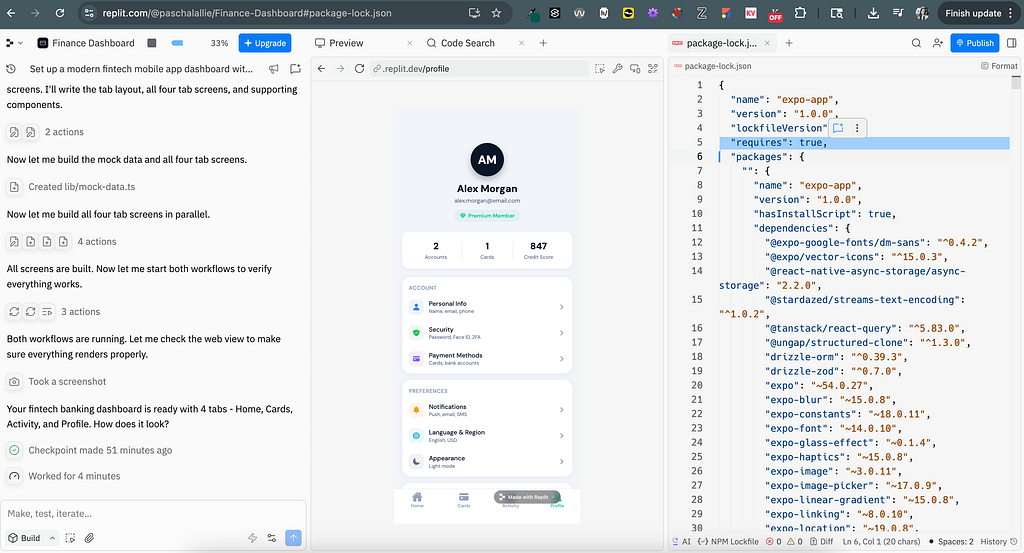
Different tools optimize for different lifespans; here is a key to help make quick decisions:
- Short-lived artifacts that answer questions quickly → Design-native generators
- Platform-contained experiences that publish efficiently → Visual building tools
- Structured outputs that can serve as production foundations → Full-stack AI generators
Again, none of these tools are superior. The right choice just depends on how long the work is expected to “live” and who will own it from iteration to iteration.
When teams evaluate tools based on intention, like what they’ll be able to keep or build on, they shift their mindset from only speed alone to idea continuity.
AI has dramatically lowered the cost of starting in such a short time-span. Quickly generating interfaces, user flows, and functional apps is no longer the hard part. But now, it isn’t how quickly product teams can produce prototypes, it’s how much of that work they can carry forward.
The hidden cost of AI prototypes isn’t that they fail to deliver. It’s that many were never designed to. Product teams need to evaluate tools based on what they generate as well as what they help advance to move away from disposable prototypes to evolving beginnings.

The hidden cost of AI prototypes that are made to die was originally published in UX Collective on Medium, where people are continuing the conversation by highlighting and responding to this story.
This post first appeared on Read More