

Ubuntu 26.04 LTS Beta Shows You There's Potential in the Stable Release
For regulars in the open source space, Ubuntu is kind of a household name that introduced many to the diverse world of Linux, where you have all kinds of flavors. Want some work done? You have Fedora. Want to earn the rights to say “I use Arch, btw,” and get work done? You have Arch Linux.
We are now weeks away from Ubuntu’s next long-term support release, and Canonical have now provided everyone with a beta build for testing purposes. Let’s see what it delivers.
Ubuntu 26.04 LTS Beta: A Functional Upgrade
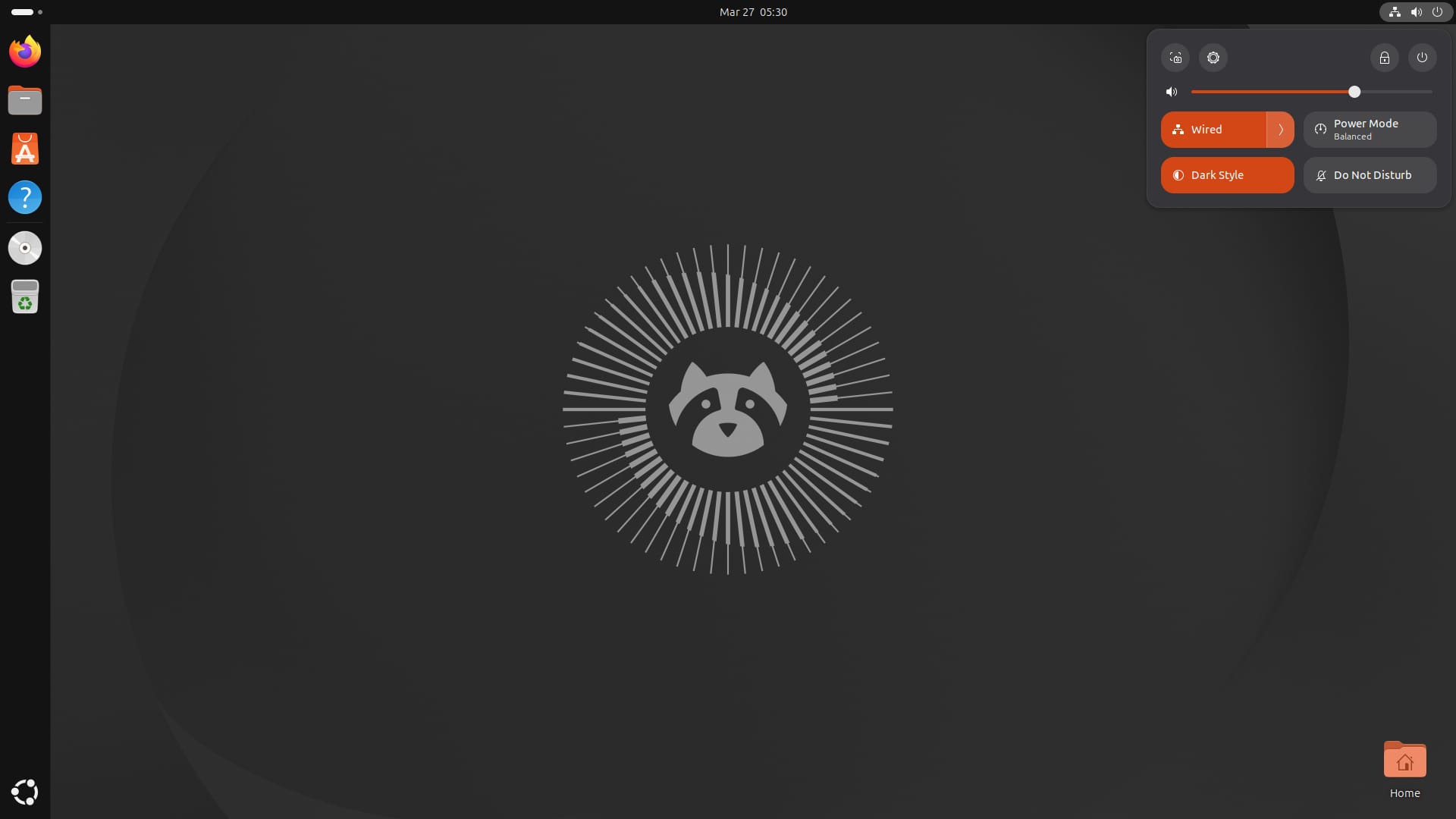
While the beta release offers variants like Server, WSL, and Cloud images, alongside the official Ubuntu flavors, I have only focused on Desktop here. We start with the new boot animation that looks clean but will be easy to miss if you have a decently powerful system.
Powering the release is Linux 7.0, whose development is still wrapping up, but it marks a significant jump from the Linux 6.8 kernel that shipped with Ubuntu 24.04 LTS. For the desktop, it ships with GNOME 50, which has finally managed to let go of X11.
0:00
/0:08
The new boot animation.
The shell picks up a power mode indicator in the top bar, better screen time controls, and fixes for some long-standing annoyances like deleted default folders reappearing after a reboot. Variable refresh rate and fractional scaling are now stable features and are no longer buried behind an experimental flag.
Resources replaces System Monitor for hardware monitoring and process management. It is built on GTK4 and libadwaita, so it slots in naturally with the rest of the desktop, and was picked over Mission Center largely because of its stronger accessibility support.
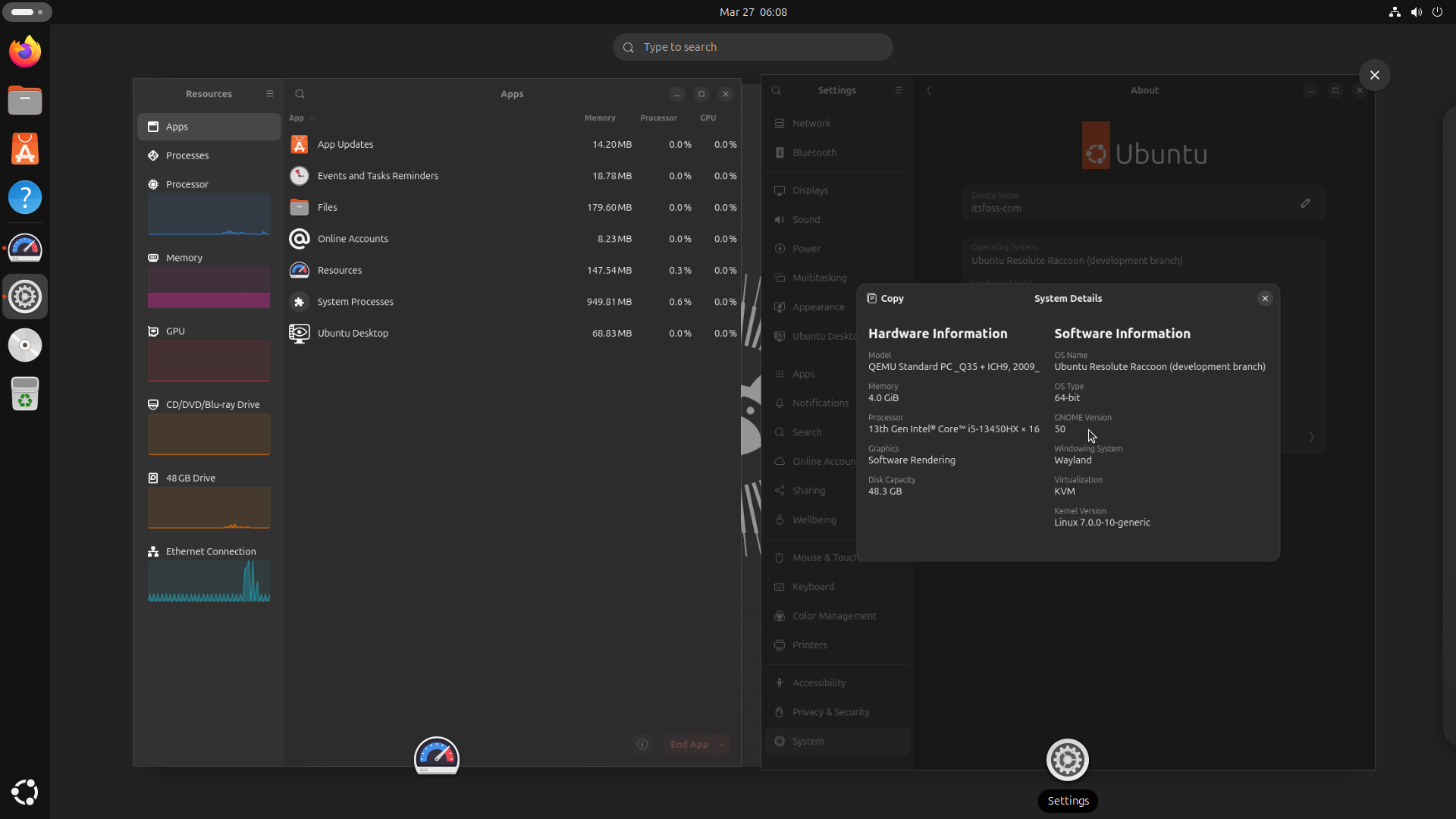
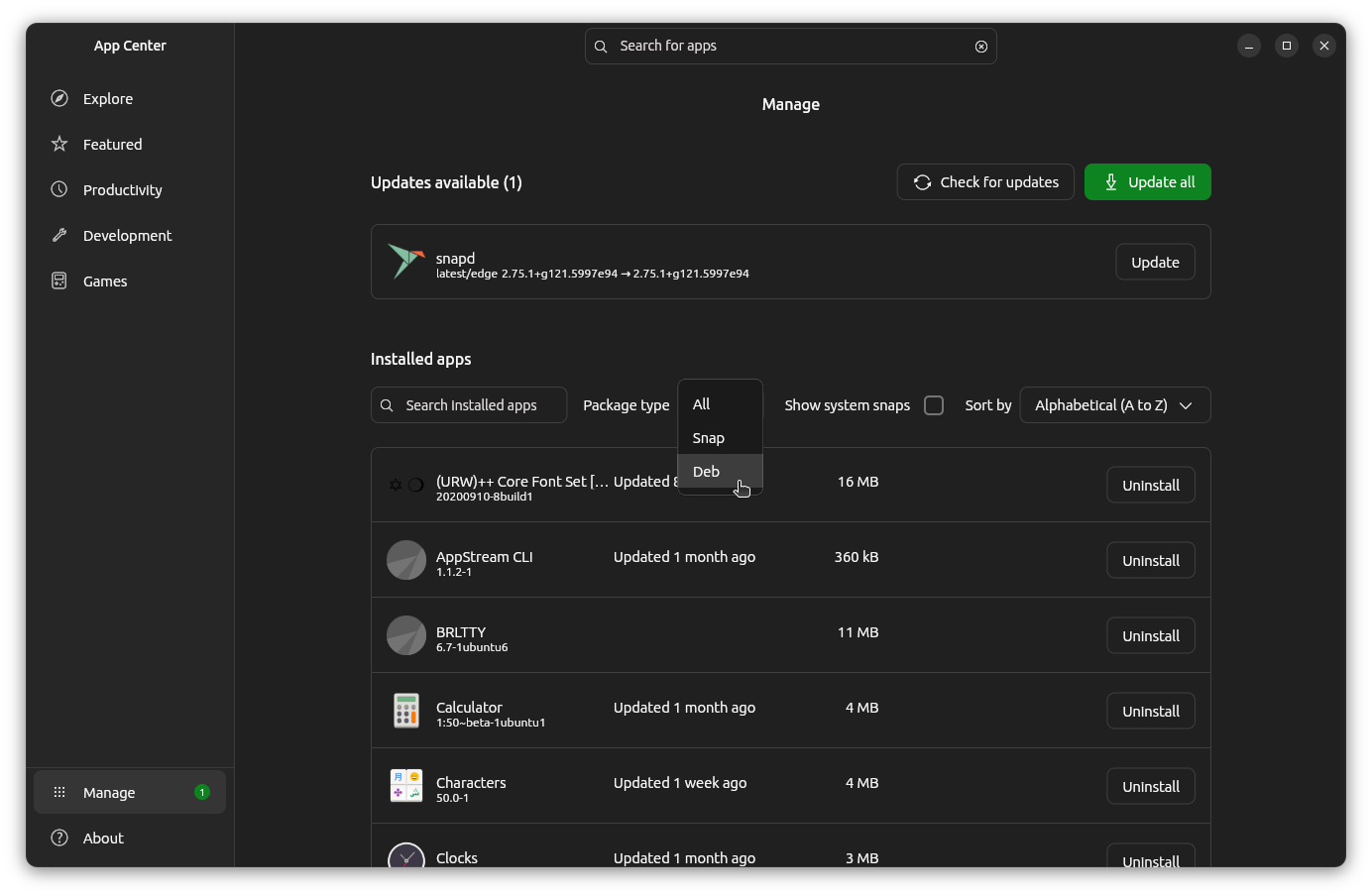
GNOME 50 demo and the Resources app on the left; on the right is the App Center.
The App Center has also been updated to show and manage Deb packages installed from Ubuntu’s repositories, not just snaps. You can head over to the Manage section to find a new package type filter that lets you view them separately.
On the graphics side, Mesa 26.0 is on board, bringing OpenGL 4.6 and Vulkan 1.4 support along with a broad set of driver improvements across Intel, AMD, and NVIDIA hardware.
Docker Engine 29 is also included, which makes the Containerd image store the default for fresh installs and adds experimental nftables firewall backend support.
There are more new features in Ubuntu 26.04 that we have covered here.
Start Testing
You can download the beta builds for x86 systems from the release portal (which is also where the stable release will go live), and for other platforms like ARM64, you will have to visit the image mirror.
Stay tuned to here and on our socials for more detailed coverage when the stable release comes out!

This article first appeared on Read More