
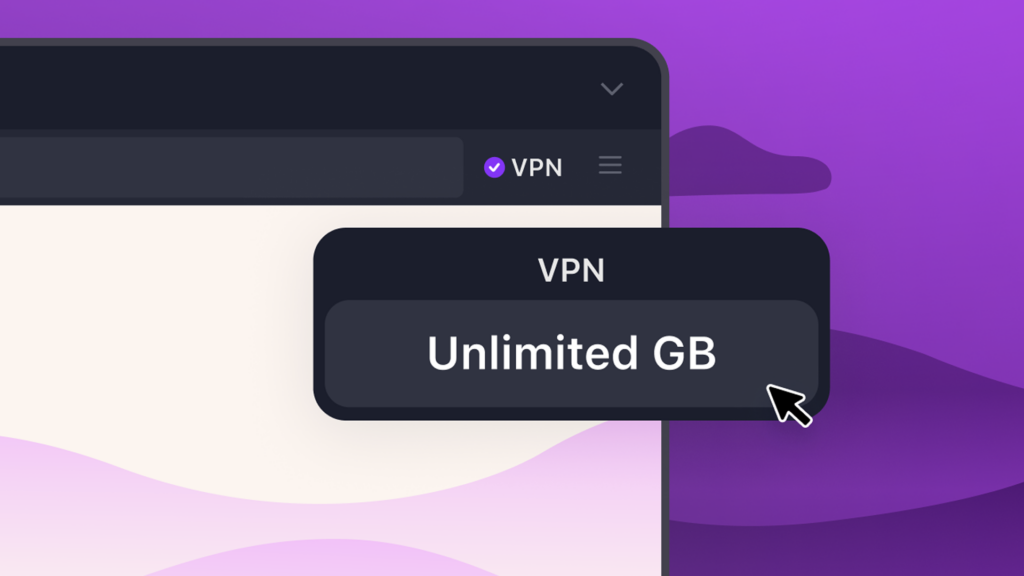
For a limited time, where the VPN is available, users can get unlimited VPN bandwidth in Firefox – up from the 50 gigabytes monthly limit — plus access to over 25 country locations to browse from. Don’t have Firefox yet? Try it now.
Firefox’s free built-in VPN usually gives eligible users 50 GB of free bandwidth each month. From now through Aug. 31, we’re making that unlimited, so you have more room to browse privately while you travel, work from public Wi-Fi or connect from somewhere new. Not only will users get unlimited bandwidth, but we’re also unlocking access to 28 country locations to browse from during this period. The VPN returns to its standard 50 GB monthly limit and a standard location set on Sept. 1.
Whether you’re using the airport Wi-Fi, booking a last-minute flight or trying to access websites away from home, here are a few ways Firefox’s VPN can help while you travel:
Stay protected on public Wi-Fi at the airport, train station or hotel
When you’re traveling, public Wi-Fi is often part of the deal. But those networks can make it easier for others to spy on your traffic and see which websites you’re visiting. Firefox’s built-in VPN adds another layer of privacy by helping mask your IP address and makes it harder for others on the network to see your browsing activity.
Browse like you’re back home
The web can feel a little funky when you go abroad. Sites may load in another language, show a different local version or have trouble recognizing where you usually browse from. Maybe you need to schedule your monthly pharmacy prescription, but the site isn’t loading the way it normally does from home. Or maybe you’re trying to order a new dress to your apartment but the address isn’t registering properly.
With Firefox’s built-in VPN, you can switch your browsing location back to your home country so the sites and services you rely on feel a little more familiar while you’re away.
Or choose where you browse from
Firefox can recommend a VPN location based on what’s fastest and most convenient. But you can also choose from more available locations, whether you want to browse closer to home or see how the web looks somewhere else.
The full set of countries available during this summer period include: Australia, Austria, Belgium, Bulgaria, Canada, Chile, Colombia, Denmark, Finland, France, Germany, Ireland, Italy, Malaysia, Mexico, Netherlands, New Zealand, Poland, Portugal, Singapore, Spain, Sweden, Switzerland, Thailand, Norway, South Africa, United Kingdom and United States.
Turn off VPN for specific sites
Some sites don’t always work smoothly with VPNs. If one is giving you trouble, you can turn the VPN off for that website right from the panel. You can also add sites to a list in advanced settings if you don’t want them to connect through the VPN.
Free VPN for wherever summer takes you
Wherever you’re logging on this summer, Firefox’s built-in VPN gives you an easy way to add another layer of protection while you browse. More control for summer browsing, right where you need it. As it should be.

Take control of your internet
Download Firefox
The post Browse more privately all summer with Firefox’s free built-in VPN appeared first on The Mozilla Blog.
This article first appeared on Read More