
I have been gaming on Linux more than usual lately; that’s part due to my main gaming rig being out of reach and part me wanting to play more on this platform than Windoze. I played a few indie games to pass the time and eventually went looking for new games to check out during the Steam Summer Sale.
That is when I found Space Haven, a native Linux space-themed colony sim with base building, survival, and combat elements built into it.
It is the work of Bugbyte, a Turku-based indie game studio who initially introduced the game on Kickstarter back in 2019, running a successful crowdfunding campaign, and eventually making it out of Early Access.
Here’s how my playthrough of it went.
Worth your time?
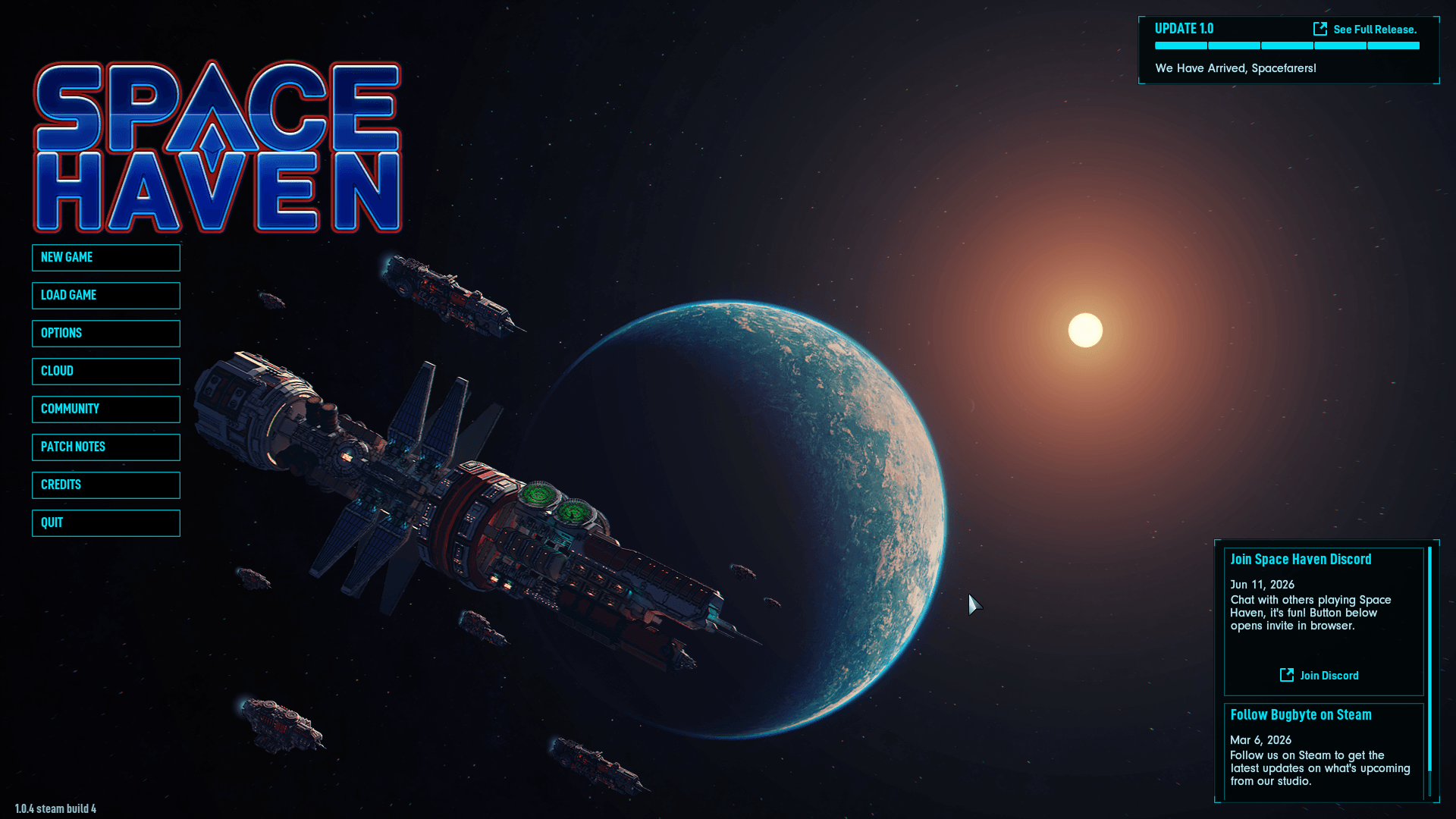
I say yes! If you are someone who is a buff for building intricate bases and micromanaging the smallest of details, then this game can be a good play for you.
I completed the tutorial before starting a full playthrough, which walked me through the basics quite well, but it did take some considerable time to finish.
There’s a lot to keep track of once you are actually playing. Crew health and mood depend on beds, food, privacy, and toilets, so you cannot just build a ship and forget about the people living on it.
Powering the ship adequately matters just as much, where you place power generators and power nodes to route power distribution throughout your ship, keeping life support equipment like the oxygen generator and water purifier running to keep the crew alive.
Below you can see how I had to add a power node to provide electricity to the oxygen generator, with power-related metrics visible on the right. In this case, I was completing a quest objective to expand the ship’s power grid.
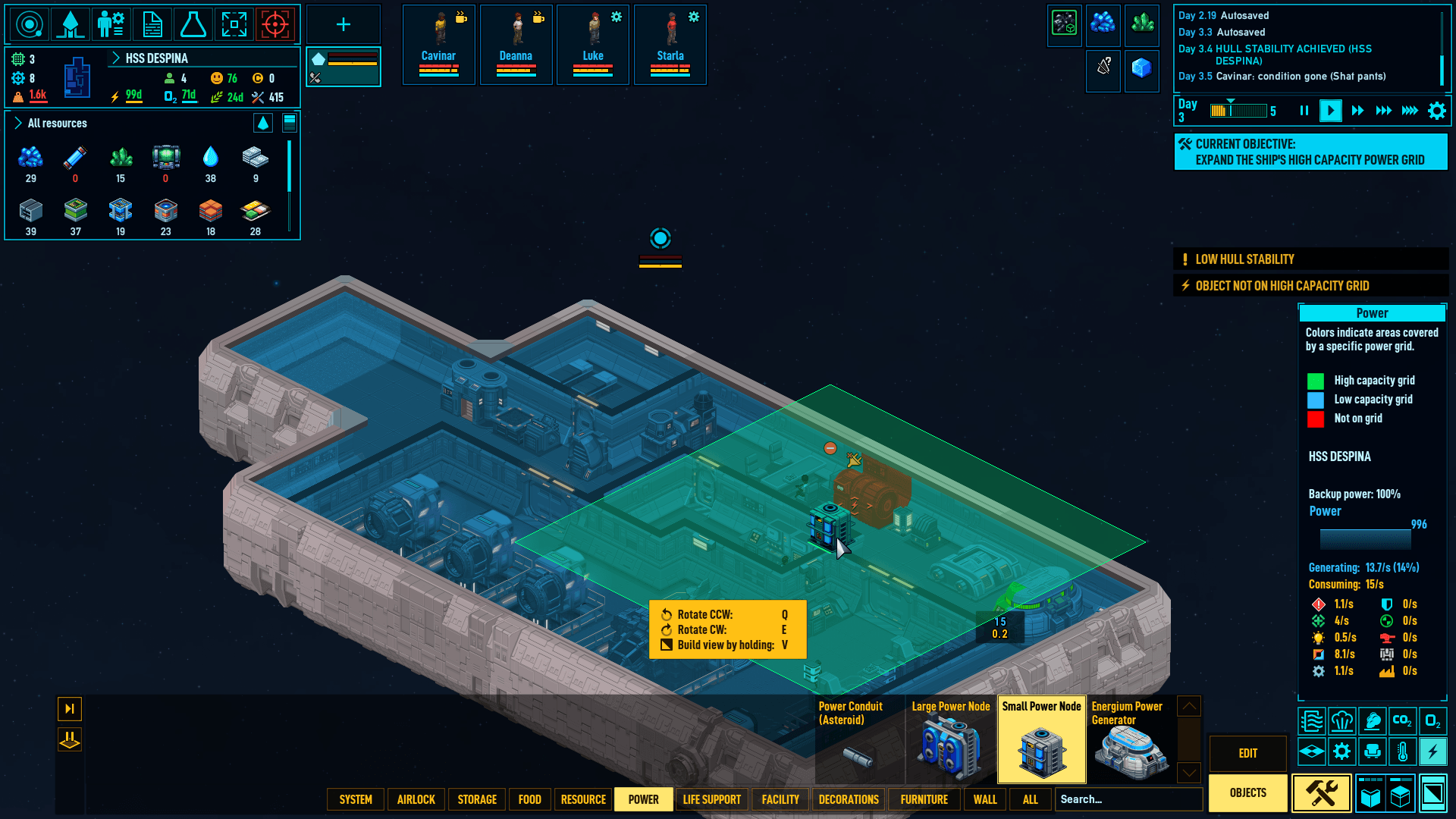
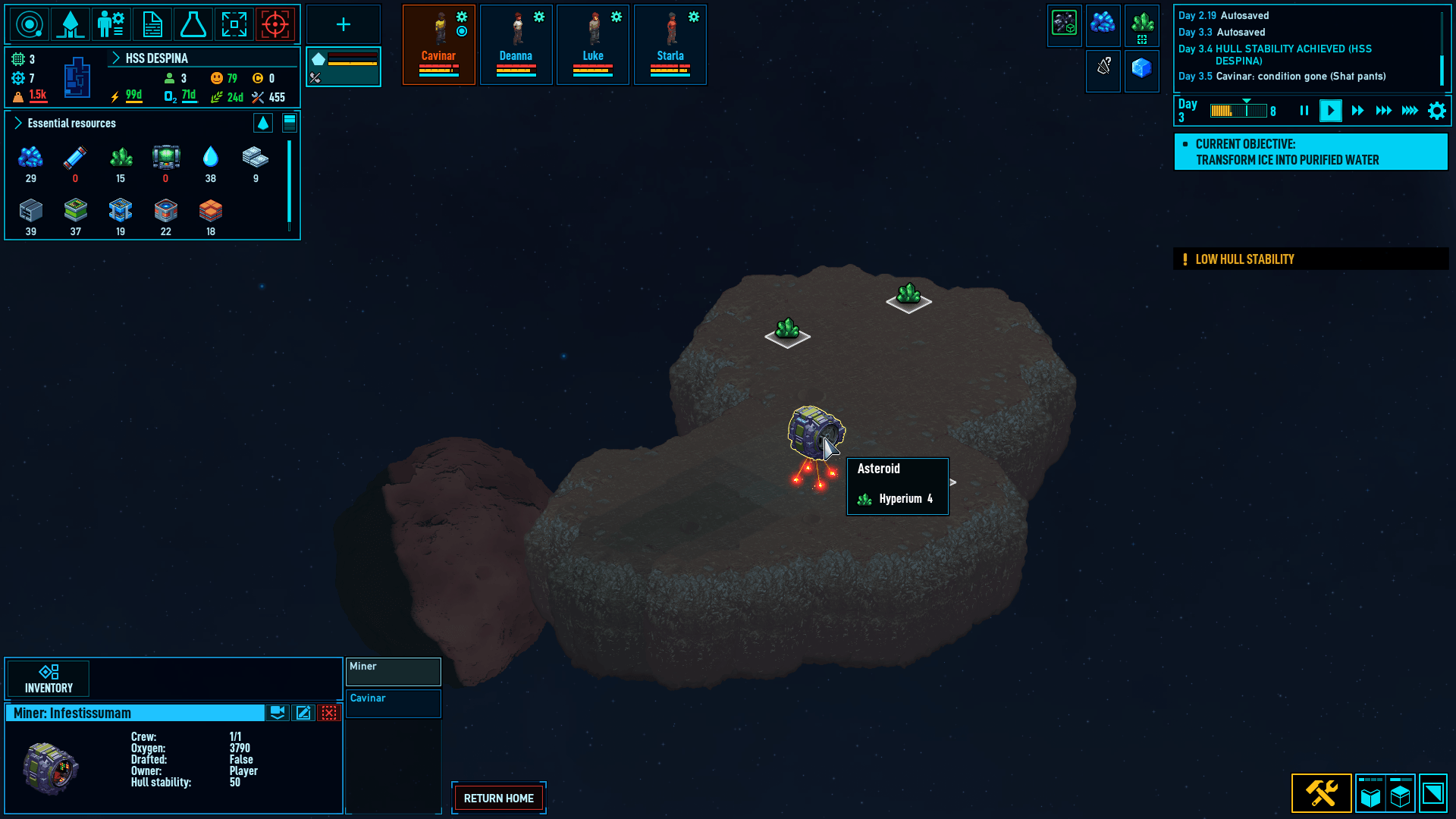
Installing a small power node (left) and mining an asteroid (right).
Resource extraction comes next. Pod hangars support mining, building, and starfighter types, and once you assign a mining pod hangar, it automatically sends out a pod to a selected resource and starts mining.
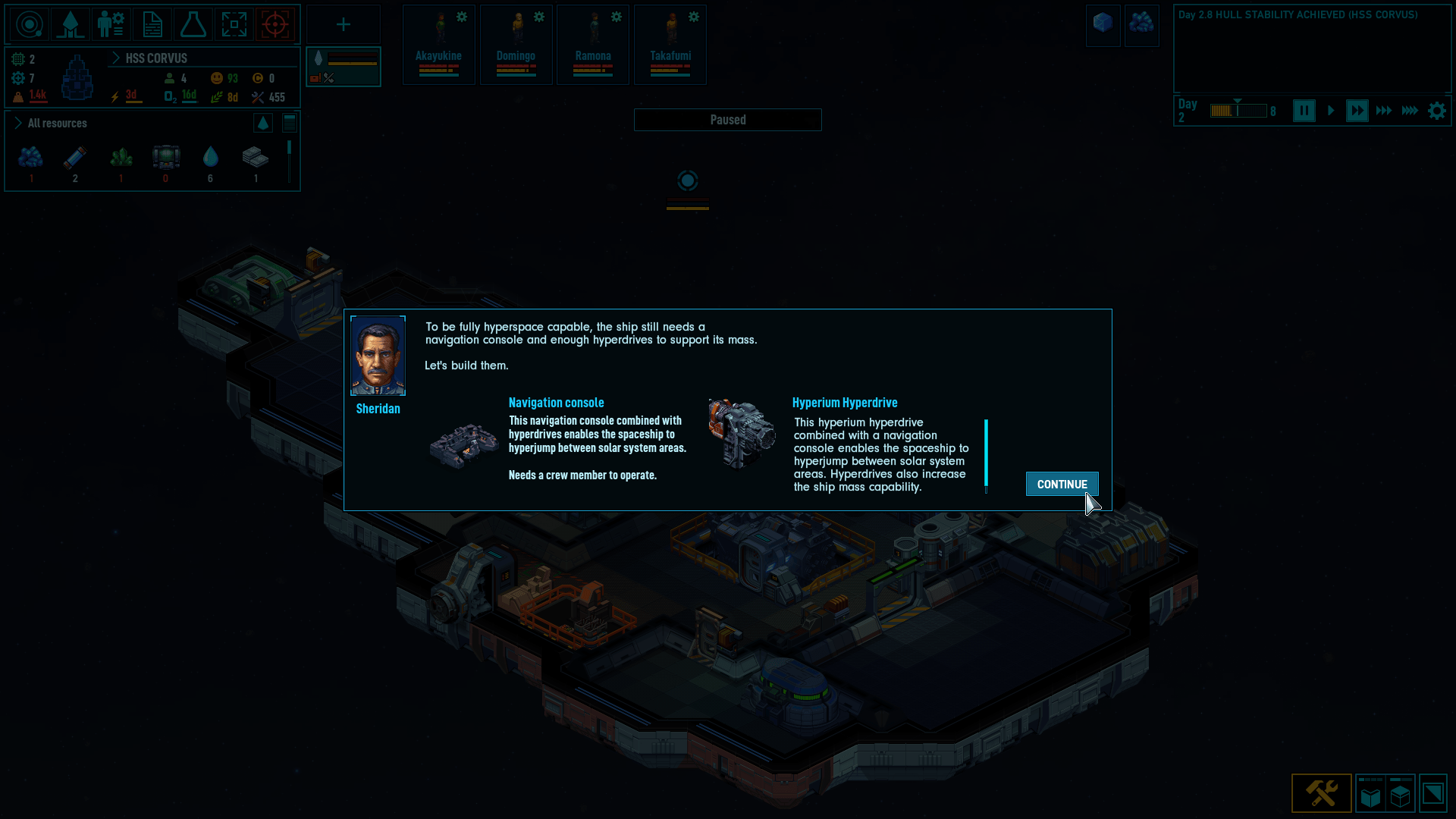
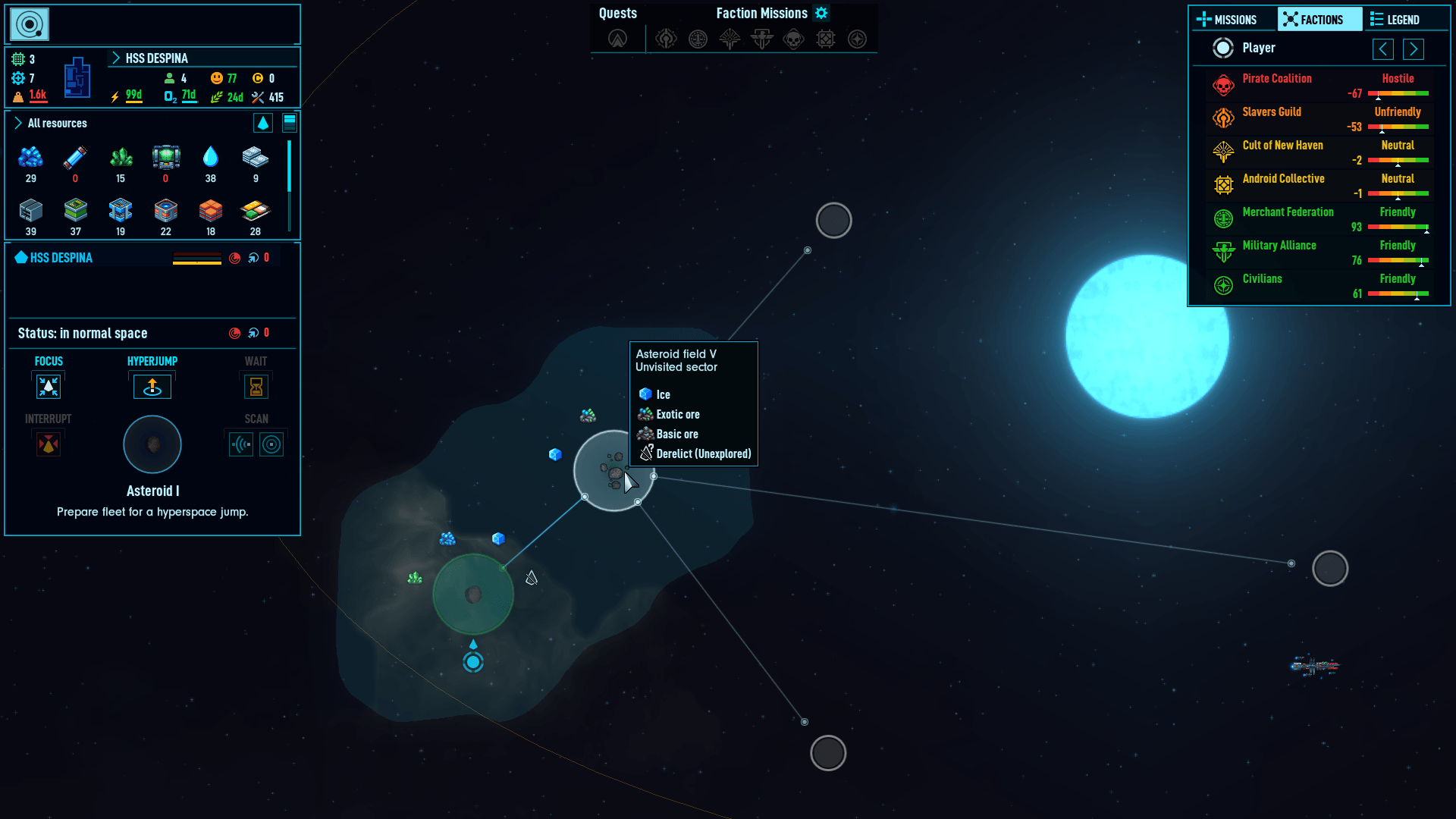
For moving beyond the current region, hyperspace jumps are the only way. After ensuring that you have installed a Navigation Console and Hyperium Hyperdrive, you can use the Starmap to chart your way forward.
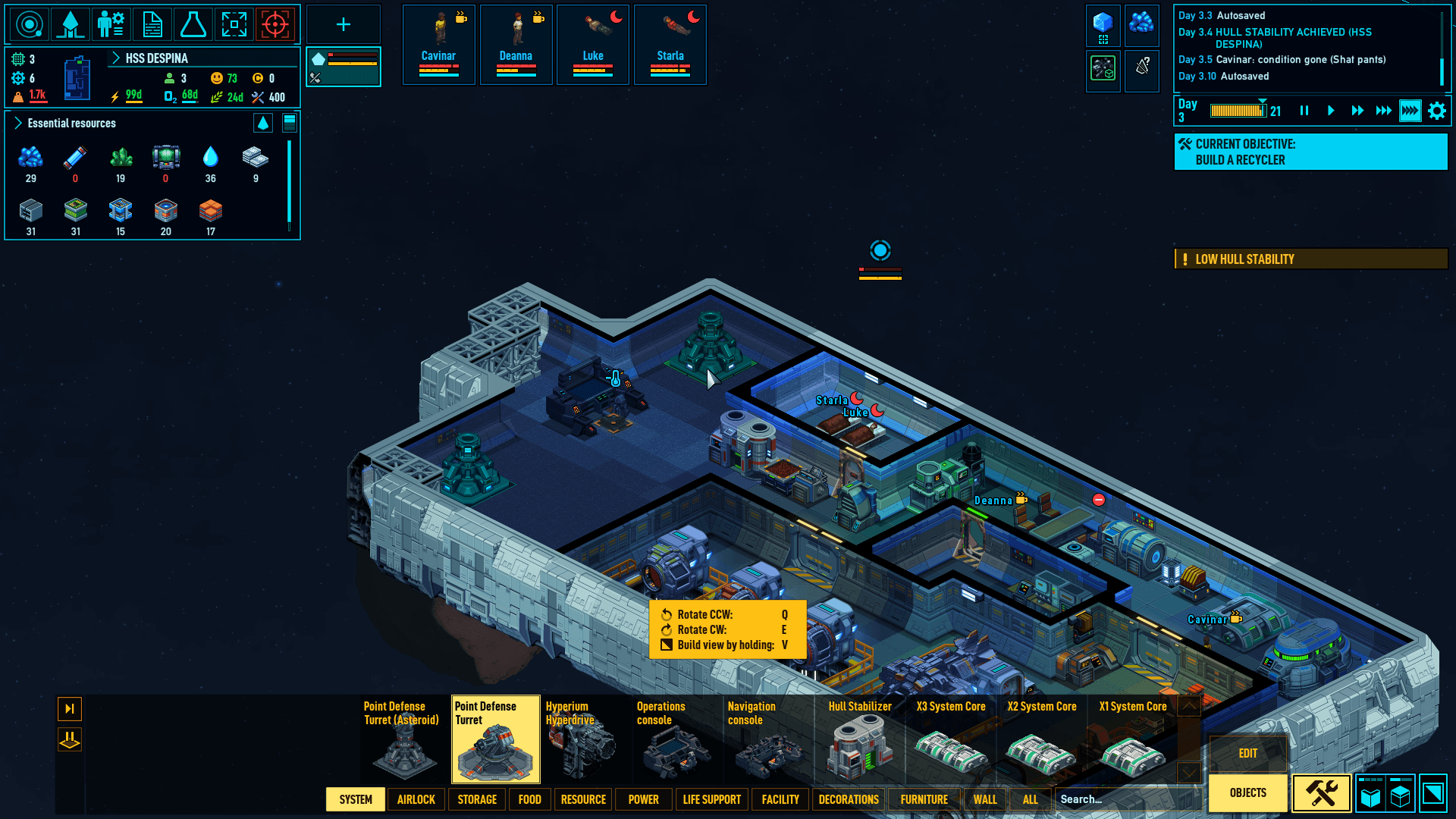
Then there’s the combat. The ship can be protected by placing Point Defense Turrets for shooting down incoming asteroids as well as enemy drones and spacecraft. The crew members themselves can be drafted and equipped with weapons too!
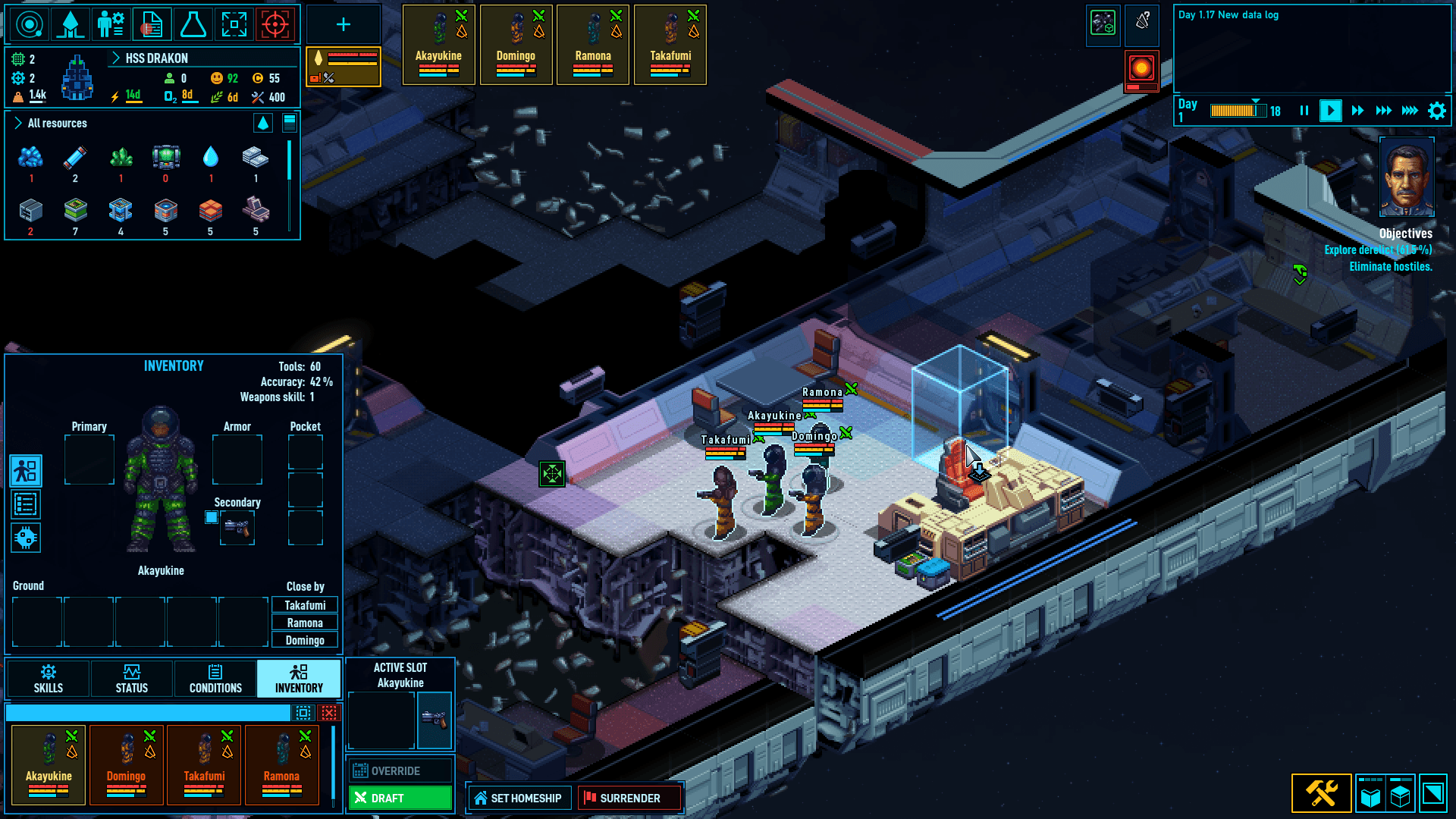
You can send them aboard derelict ships to salvage for resources, and any aliens or clankers they run into get shot on sight once you give the order.
Room for improvements
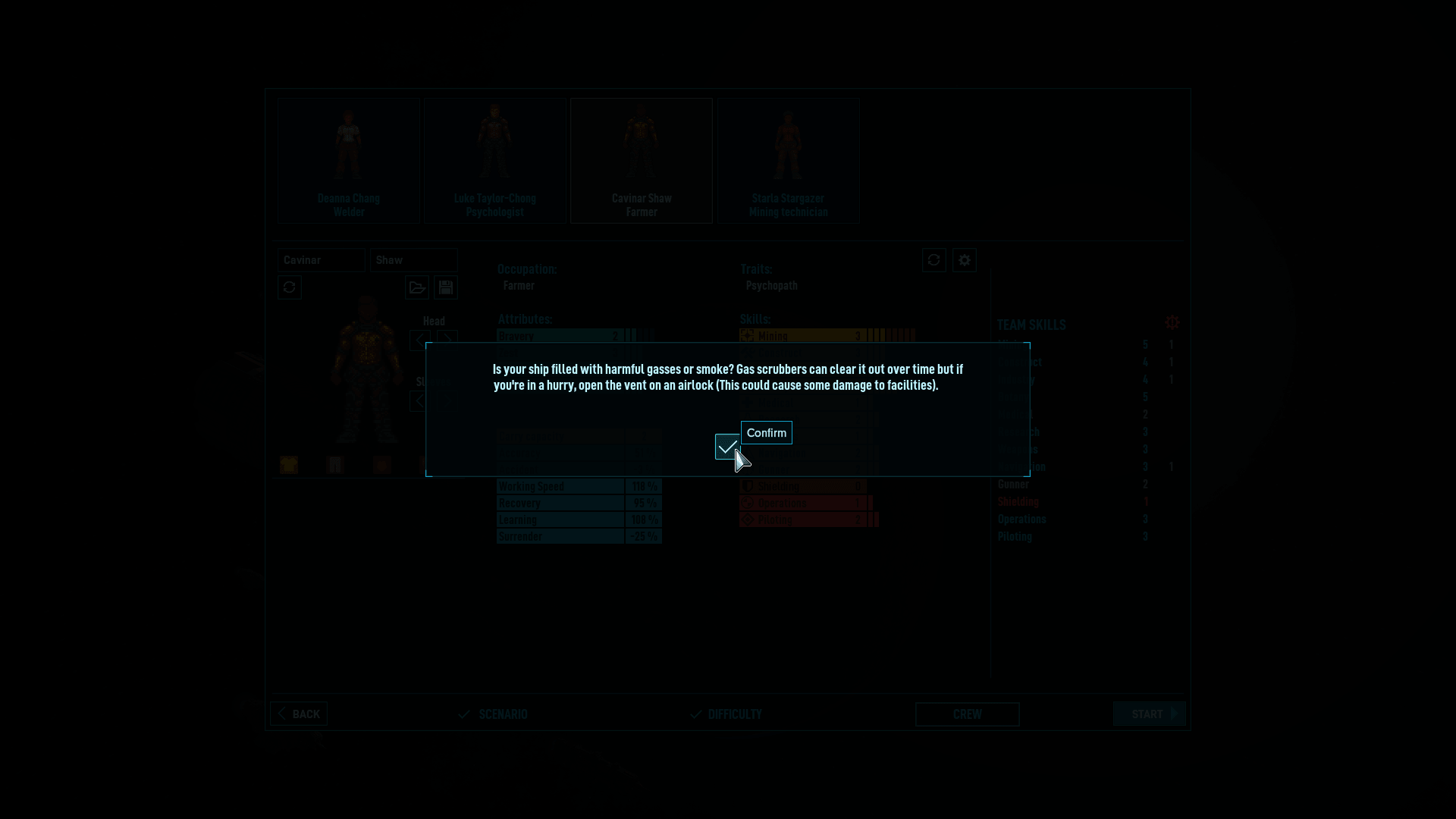
Two things bugged me while playing. The camera stays locked to one angle; there is no way to rotate the view to see the ship or its contents from a different side. Loading a new map also means clicking through a checkmark button every single time before you can proceed, which will get annoying.
What I have covered here is only the surface of what Space Haven has to offer. There is a lot more to dig into, including deeper ship combat, faction missions, and even prison management, if you go further than I did.
Even with the fun I had, it would be wrong to exclude an issue that can be a dealbreaker for you. Crew members treat every task as a separate event instead of chaining related jobs together, placing a single wall block before wandering off, or returning to base after each mining haul instead of heading straight back out.
That is something the developers can fix in a future patch. For me, it was not much of a dealbreaker, as I am used to making things hard for myself. ☠️
🎮 How to Play?
As this is a native Linux game, you can run it on any computer that meets the minimum hardware requirements, provided the distro you install it on has the necessary components to run recent video games.
It costs $24.99, with prices going lower during sales. You can grab it from GOG for a DRM-free copy that you can share with others, or from Steam if you want access to mods.

This article first appeared on Read More