
According to Atlassian’s State of Product 2026 report, 43 percent of product managers at large companies report that data security concerns are blocking their adoption of AI tools.

Data security is a valid concern for legal teams. Misusing AI tools can expose sensitive data, leak internal strategy, or create compliance headaches.
But blanket AI bans have their own risks. Shadow AI usage may emerge that security can’t monitor. It may also mean slower, less effective teams.
As a PM, you can get caught in the middle of data security needs and work efficiency. This article offers a practical playbook to help you gain buy-in for AI tools from legal and security teams.
What PMs control vs. what legal owns
Product managers and legal teams share responsibility for tool adoption, but they own different parts of the process.
As a PM, you own tool selection. Your initial search may start with finding AI tools to meet user needs. But the search process should also include a look at data security. You want to make sure that AI solutions don’t expose sensitive data.
Meanwhile, legal teams focus on policies, contracts, and regulatory compliance. They make the ultimate decision on whether an AI tool is “safe enough” for your organization to use.
You can’t override legal teams, but you can give them evidence that an AI tool is safe to use. Instead of presenting an AI tool, share documented data categorization, vendor security practices, and the results of a pilot testing for risk management.
The more evidence you have, the easier it is for legal teams to say yes.
How to get legal and security aligned on AI tools
Let’s go over a few actionable steps you can take to collect evidence of an AI tool’s safety:
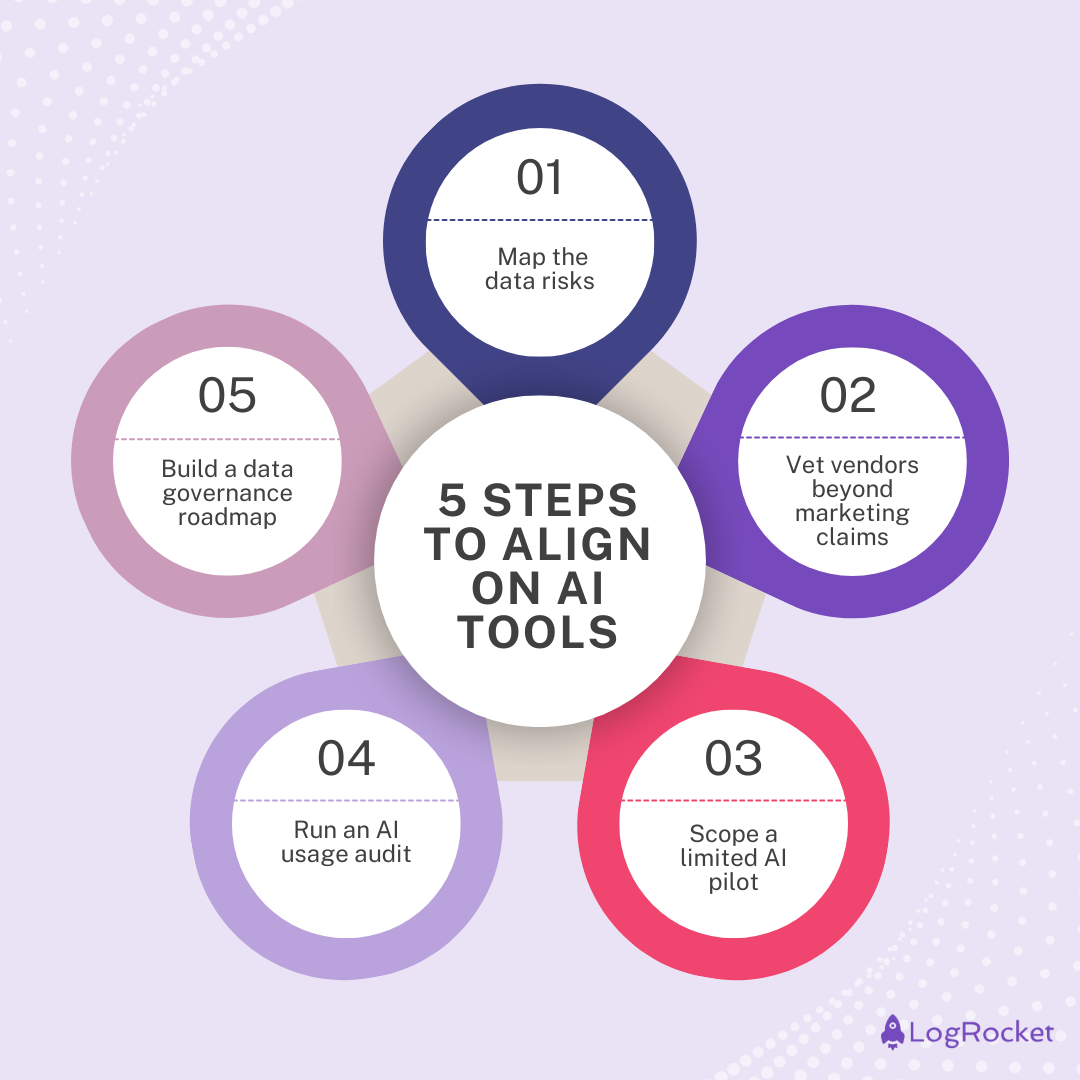
Step 1: Map the data risks
The first step is to identify the data an AI tool will touch. Start by categorizing data by sensitivity:
- High risk — Personally Identifiable Information (PII), customer identifiers, and other data that will cause harm if exposed
- Medium risk — Internal communications, HR records, and other data that may cause minor legal issues or inconvenience if exposed
- Low risk — Marketing materials, anonymized data, and other public-facing information
You’ll also want to self-audit your team’s AI prompts and use cases. For each workflow, figure out if any high-risk data could be included. Data leaks can happen from copy-pasted text, screenshots, or other uploaded files.
You can use a tool like Mockaroo to validate your scenarios. Mockaroo generates synthetic test data. Take the data, use it in the AI tool, and see what leaks.
Put your results in a one-pager for legal teams to review. Outline the data categories, risks, and mitigations. The summary will help legal teams have concrete results to consider.
Step 2: Vet vendors beyond marketing claims
Understanding your data risks is crucial before you can vet vendors. You’ll know what questions you’ll need to ask to make sure data security is effective. For example, if you need a tool that can manage protected health information (PHI), you need to ask about HIPAA compliance.
Go beyond marketing claims and ask targeted questions like:
- What are your data retention policies?
- Do you support data isolation?
- Are you compliant with SOC2 or other relevant frameworks?
- What safeguards are in place against prompt injection and model misuse?
Use the answers to score vendors on a simple one to five scale. The scoring system can help focus your energy on AI solutions that can work with your data security needs.
Step 3: Scope a limited AI pilot
Now you have a good working theory on how an AI tool will work, but you’ll need proof to convince your legal team. Pilot testing can demonstrate that the AI solution will work and handle data security needs. Here’s what you need to do to conduct effective pilot testing as a product manager:
- Define the guardrails — Select a timeframe, choose a small group to participate, and focus on one well-defined objective
- Set success metrics for outcomes and security — For example, zero incidents involving high-risk data
- Document the pilot as it runs — Capture how the tool behaves and what data is used
- Learn and reiterate — Your first pilot might not meet expectations, so you may need to adapt and test again
If the limited pilot is successful, create a brief summary of the results for the legal team. You want to share the impact that the AI tool made. Highlight what you learned and what safeguards were in place to protect data.
Step 4: Run an AI usage audit
If legal teams keep saying no to AI solutions, people may quietly adopt unapproved tools. LayerX’s recent security report claims that 89 percent of enterprise AI usage is invisible to the organization. Shadow AI is a real security risk.
To stay ahead of shadow AI, you can conduct a usage audit. Focus on how your team is using AI today. The goal isn’t to put blame on employees, but instead to flag risks and redirect to safer options.
Start with a quick survey to ask which AI tools people are using, what they do with the tools, and if any data is handled. You can also partner with IT or security to review browser extensions and logs. Look for unauthorized apps and extensions that look like AI.
With this evidence in hand, it shows legal teams that you want to actively manage behavior and potential security threats.
Step 5: Build a data governance roadmap
Once you’ve completed the previous steps, you have the ingredients you need to create a strong data governance roadmap. The limited pilot is a “phase 0” validation that proves AI is safe in a narrow context. From here, you can show how to expand AI tool adoption while keeping the same safeguards to protect data.
In a one-page roadmap, outline the next phases for a larger pilot or a broader rollout. For each phase, include timelines, owners, and the specific risks mitigated, like data leaks or shadow AI.
When you pitch this to legal, stick to evidence from your initial work. You want to prepare for potential objections with concrete safeguards. If legal teams still hesitate, ask for specific concerns. You can address these much more easily than vague apprehension.
Common mistakes PMs make when seeking AI tool approval
One risk for product managers is to drift too far into legal decision-making. Don’t interpret regulations on your own or try to make changes to corporate policy. Instead, include legal as a partner. You should present use cases, compare vendors, and map risks. Let legal make the final call on what’s acceptable.
Another pitfall is skipping data mapping. If you can’t explain what data goes into an AI tool, where it lives, and where it might leak, legal has no reason to trust it.
Legal teams need metrics and evidence of data security. Legal isn’t motivated by how much your team likes using a tool. Give them concrete evidence and real examples to show how an AI tool isn’t a significant risk.
Final thoughts
When AI adoption stalls, this playbook can help restart the conversation. You may not own the final approval decision, but you can influence it by bringing legal and security teams clear evidence, documented safeguards, and a realistic path forward.
The key is to make the review process easier to trust. Show what data the tool touches, how vendors protect that data, what happened during a limited pilot, and where unmanaged AI usage may already be creating risk. That shifts the conversation from broad concern to specific tradeoffs.
Turn those findings into a simple roadmap with risks, mitigations, owners, and rollout phases. If legal still hesitates, ask what evidence they need next. A vague AI ban is hard to work with, but a specific security concern can be addressed.
AI adoption doesn’t have to stay blocked by data security concerns. With the right evidence and a narrow starting point, you can help your organization move from blanket hesitation to managed experimentation.
Featured image source: IconScout
The post Data security blocking AI adoption? A PM playbook appeared first on LogRocket Blog.
This post first appeared on Read More