
One of the most common complaints designers have about working on agile teams is the feeling that there’s never enough time. There’s always another feature to design. Another sprint is starting. Another ticket is waiting for input.
Even when a feature ships, the work doesn’t necessarily stop. Agile teams are supposed to observe how the feature performs, gather feedback, and iterate.
The cycle never fully ends.
While studying how designers succeed in agile environments, I found it interesting that Laura Klein spends time talking about something that doesn’t seem inherently “agile” at all: design systems. At first, it feels like a strange detour. But the more I think about it, the more it makes sense.
The hidden cost of visual design
Designers often spend a surprising amount of time on visual details. Deciding how buttons should look, how layouts should align, where navigation should sit, and what styles should be used for different components.
All of this work is important. Visual consistency and clarity matter a great deal in user interfaces. But when every screen is designed from scratch, that work becomes repetitive. It also slows down the design process significantly.
On agile teams, that slowdown can create tension. Designers feel pressure to produce detailed mockups quickly, while engineers are waiting to build the next feature. This dynamic sometimes leads to the “design handoff” model that agile teams are supposed to avoid. Designers prepare polished screens. Engineers implement them. Collaboration becomes limited.
Design systems change that dynamic.
What a design system actually does
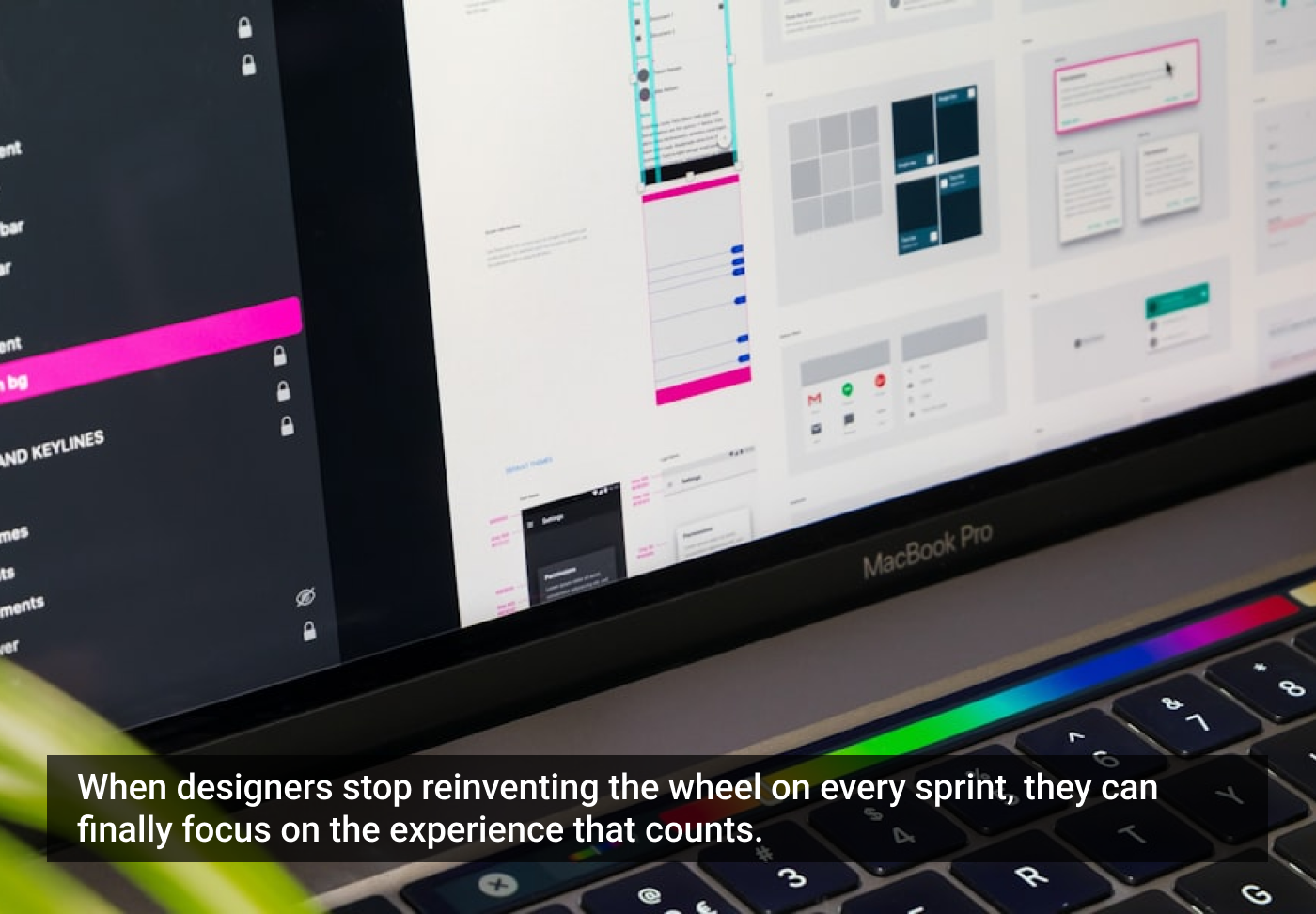
At its core, a design system is a collection of reusable components and guidelines that help teams build interfaces consistently. Instead of redesigning a dropdown menu every time one is needed, the team uses the standard dropdown from the design system. Buttons, form fields, navigation elements, grids, icons, and typography are all defined ahead of time.
This doesn’t eliminate design work, but it shifts the focus. Rather than debating what a button should look like, designers can spend more time thinking about how the interface helps users accomplish their goals.
It’s a subtle shift, but an important one.
As the famous quote, quite often attributed to Steve Jobs, reminds us, design is not just about how something looks. It’s about how it works. Design systems help teams concentrate on that second part.
Collaboration changes when the basics are defined
Another benefit of design systems is that they make collaboration easier. When the building blocks of the interface are already defined, designers and engineers can start discussing solutions much earlier in the process. Instead of waiting for pixel-perfect mockups, teams can assemble rough versions of features using existing components.
These are often good enough to test with users. Once the team agrees on a direction, turning the mockup into production code becomes much faster.
Some designers working on agile teams even described reducing their deliverables dramatically. Instead of detailed visual mockups, they sometimes wrote design instructions directly in a Jira ticket, referencing components from the design system. That freed up time for other important work: thinking through edge cases, error states, and complex user scenarios that often receive less attention when visual design dominates the process.
Consistency in a world of small releases
Design systems also solve another challenge that arises when teams build products incrementally. Agile teams rarely design an entire product all at once. Features are added gradually, often by different people over long periods of time.
Without a shared system, the interface can slowly drift into inconsistency. Buttons appear in different styles, navigation behaves slightly differently from screen to screen, icons mean different things in different contexts, etc.
Users may not consciously notice these inconsistencies, but they feel them. The product becomes harder to learn and harder to trust. Design systems act as a stabilizing force. Even when the product grows in small pieces, the visual and interaction patterns remain coherent.
In other words, they allow teams to design incrementally without creating chaos.
Why this matters for agile designers
Agile development is built around the idea of small releases, frequent feedback, and continuous improvement. For designers, that environment can feel overwhelming if every feature requires extensive visual design work before anything can be tested. Design systems reduce that burden.
They make it easier to prototype ideas quickly. They keep interfaces consistent even when features are built incrementally. They allow designers to spend more time thinking about the experience itself instead of reinventing visual patterns over and over again.
In a way, they support the same philosophy that runs through the rest of agile product development. Learn faster than you build.
The article originally appeared on Substack.
Featured image courtesy: Tirza van Dijk.
The post The Agile Trap Designers Fall into: Feeding the Beast appeared first on UX Magazine.
This post first appeared on Read More